Chapter 8 of 13
- 1Log in and find your dashboard
- 2Create your tournament
- 3Buy, upgrade or extend your plan
- 4Your control room
- 5Details, branding and registration settings
- 6Add teams and owners
- 7Player registration and payments
- 8Run the live auction
- 9Fixtures and points table
- 10Live scoring
- 11Big screens and live streaming
- 12Sponsors and reach report
- 13Staff, accounts and wrap-up
Run the live auction
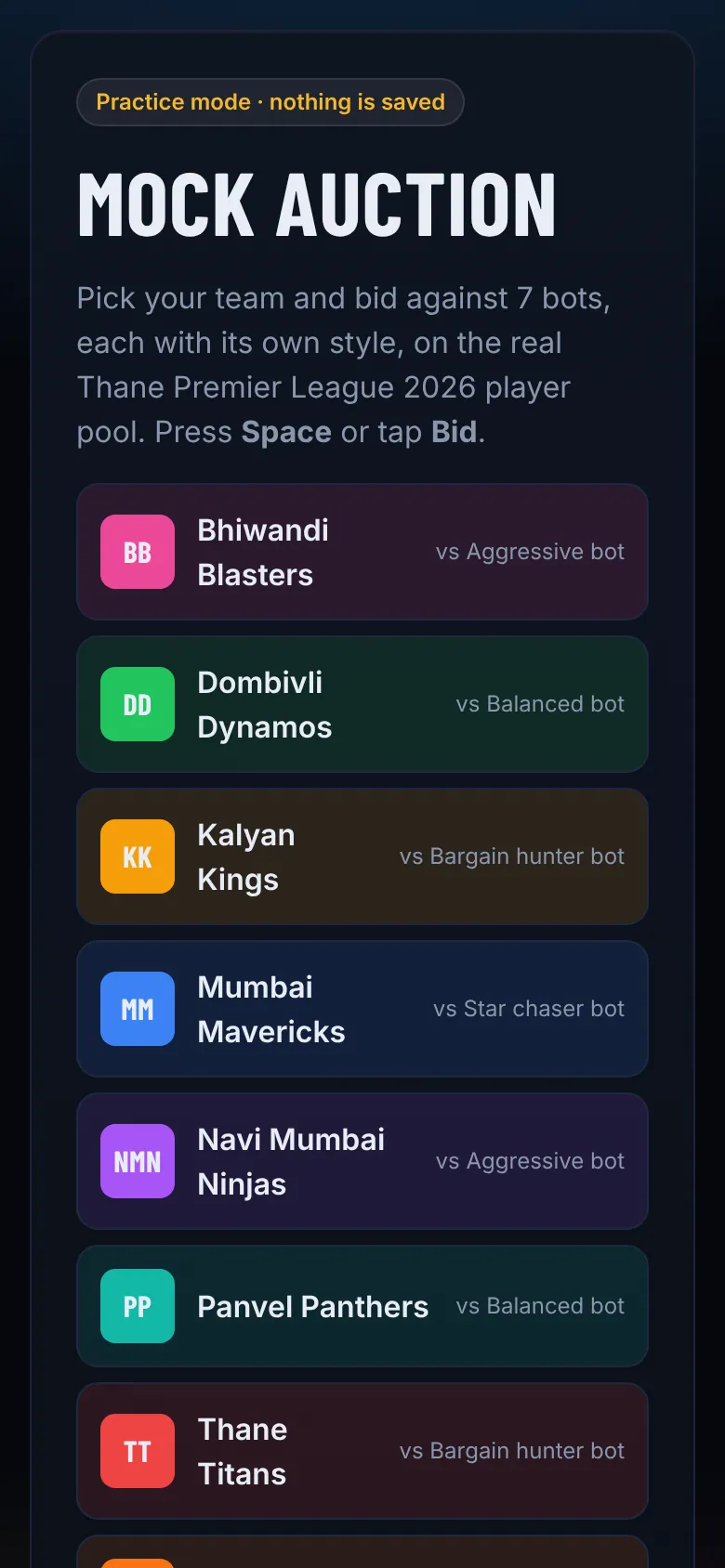
Rehearse, open the projector, call players, take bids and sell.
- Step 2
Open the auction console
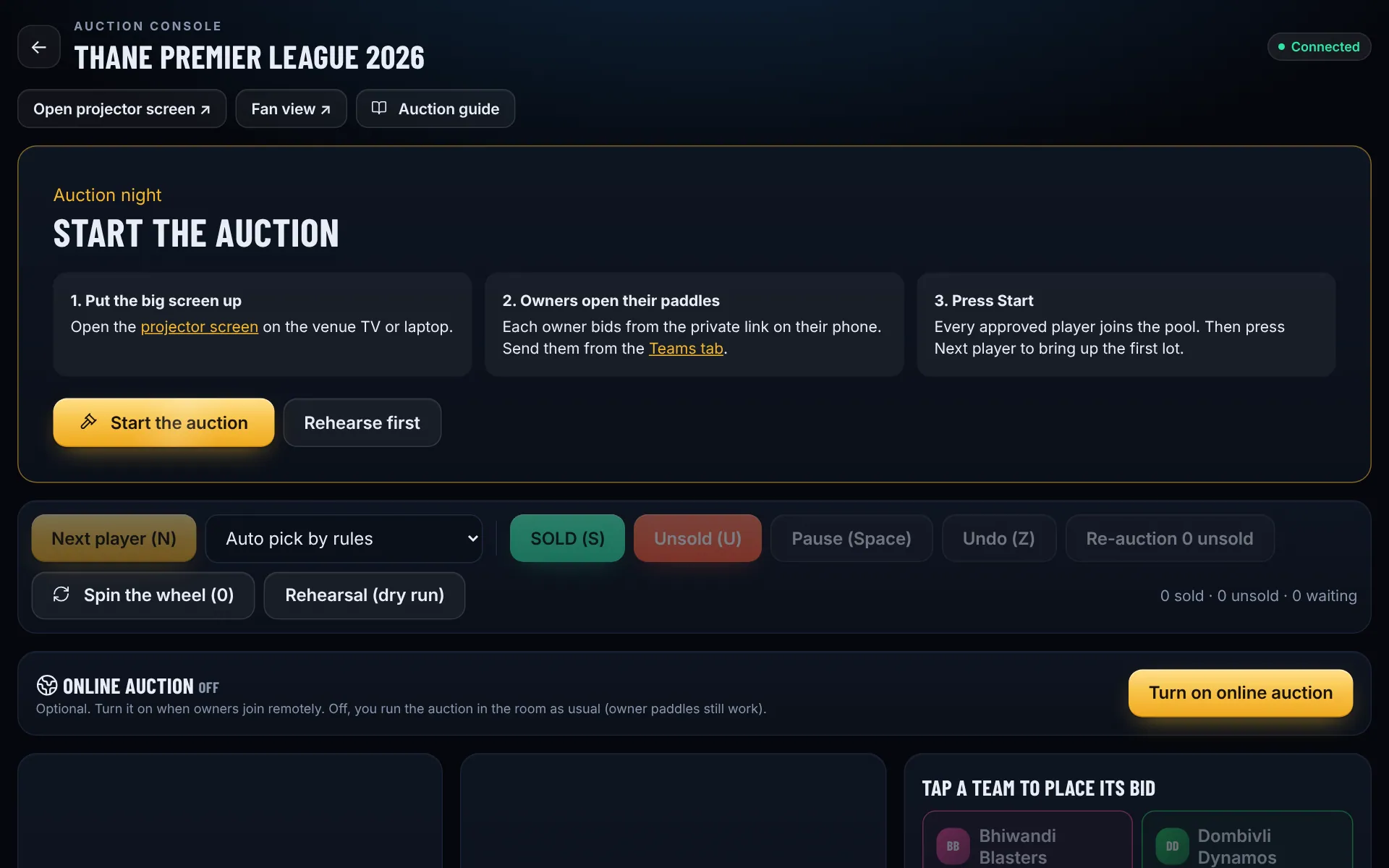
In the control room tap Start auction, ideally on a laptop. The console walks you through auction night: put the big screen up, send owners their paddles, then tap Start the auction to load every approved player. Use Rehearse first the day before so owners can practise: everything resets afterwards.
- Step 3
Put the projector on the big screen
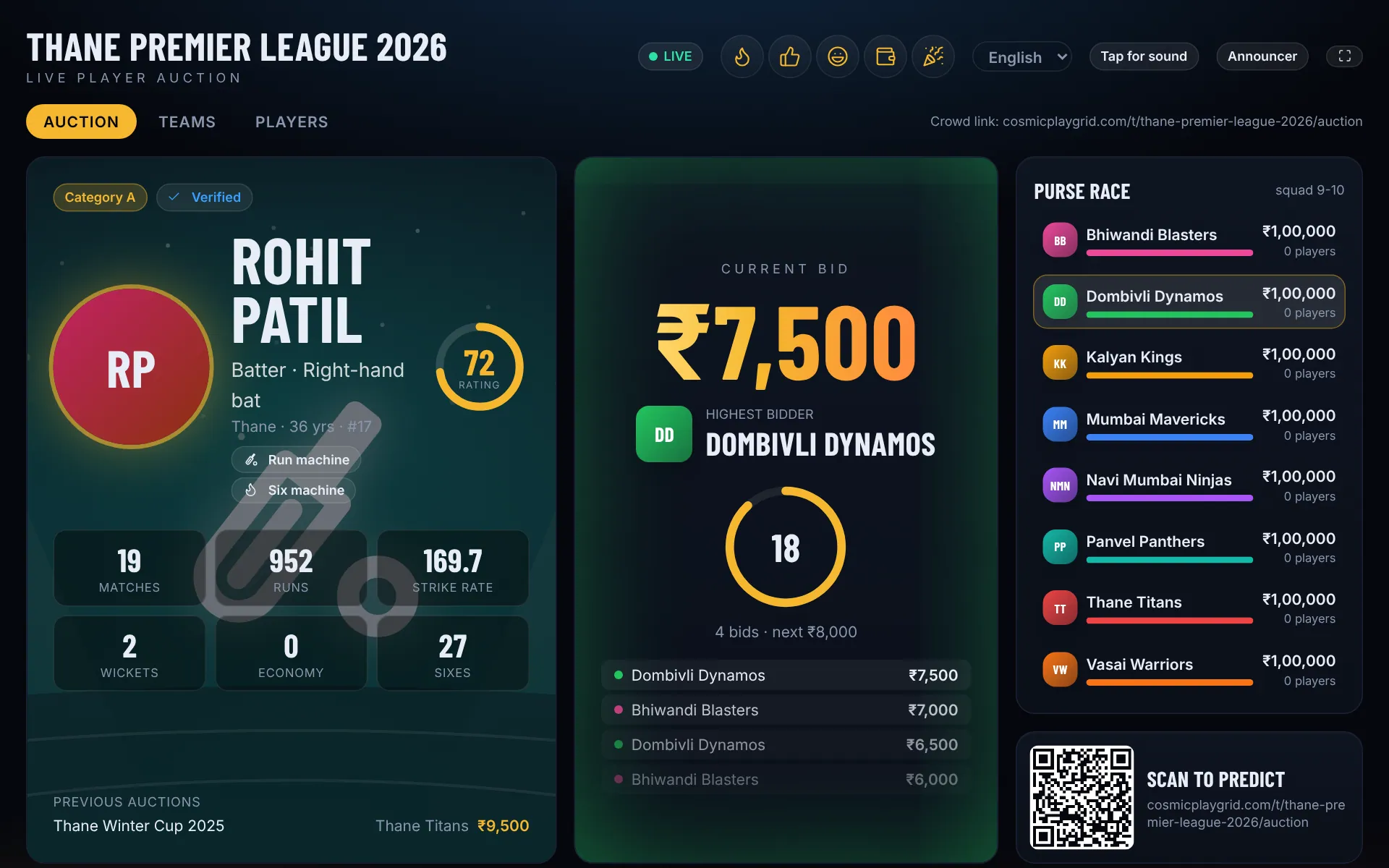
Tap Open projector screen and drag that window to the venue TV or projector, then press F11 for full screen. It shows the player, the live bid, the leading team and the timer.
- Step 4
Call players and take bids
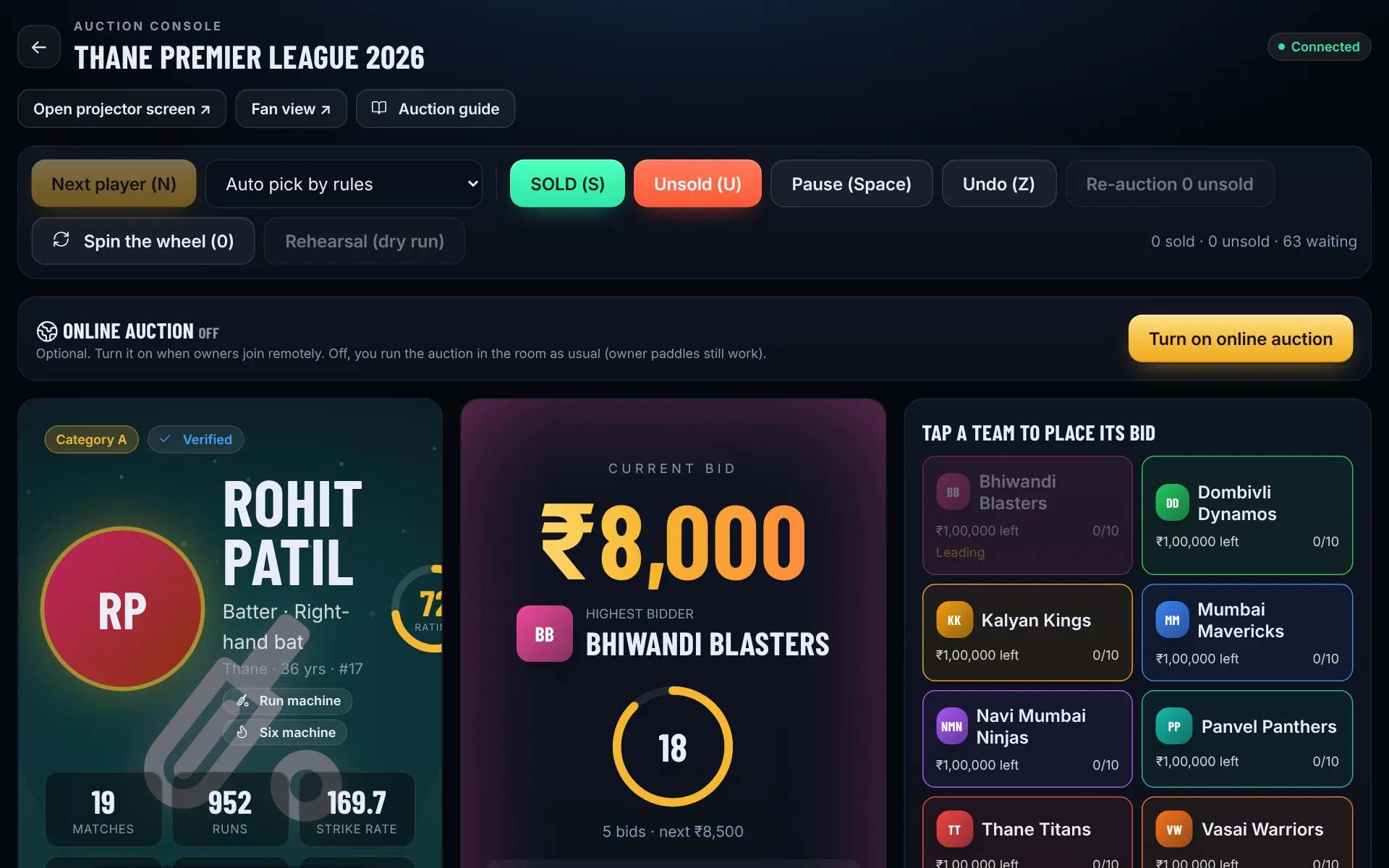
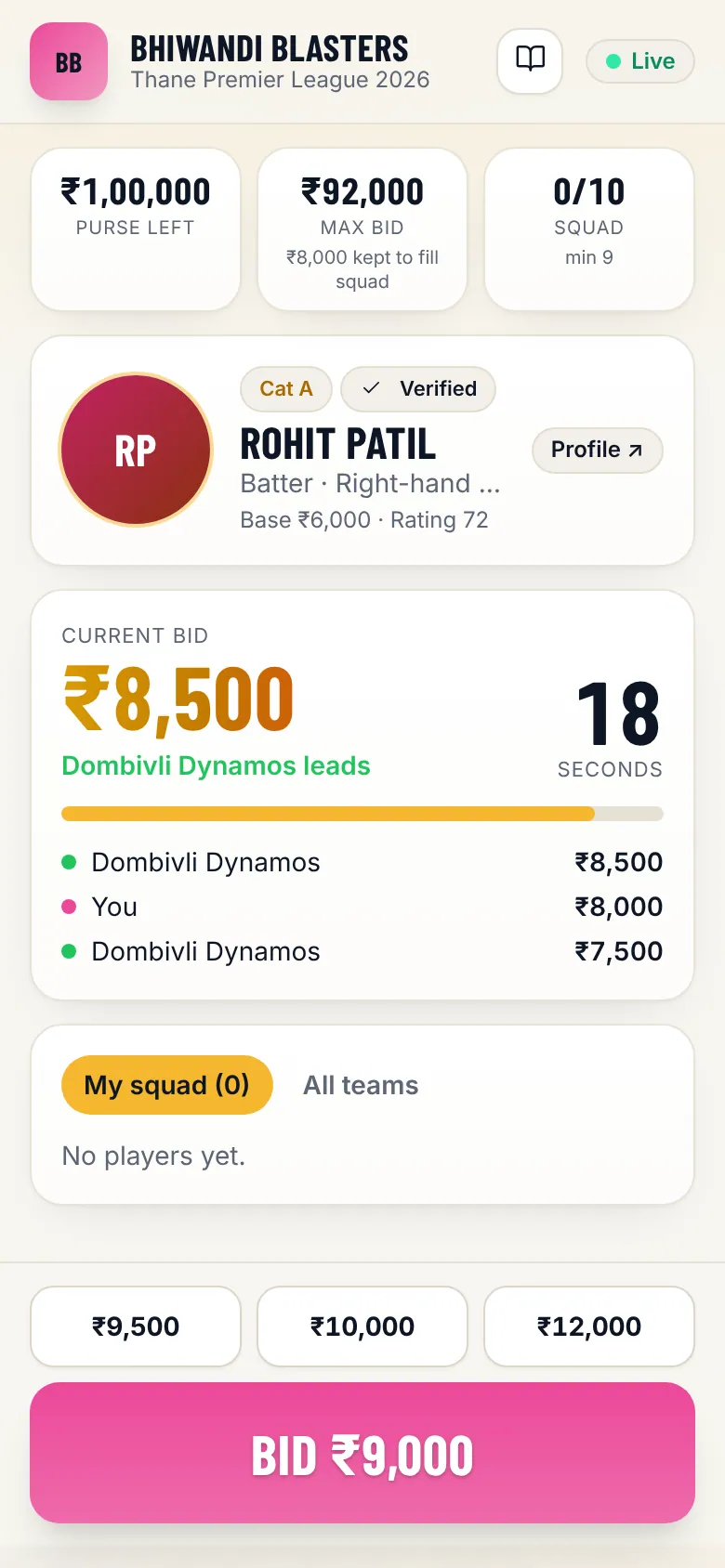
Tap Next player (or press N). Owners bid from their phones. You can also bid for a team from the console when an owner bids by hand in the hall. The purse guard blocks bids a team cannot afford.
- Step 6
Sold!
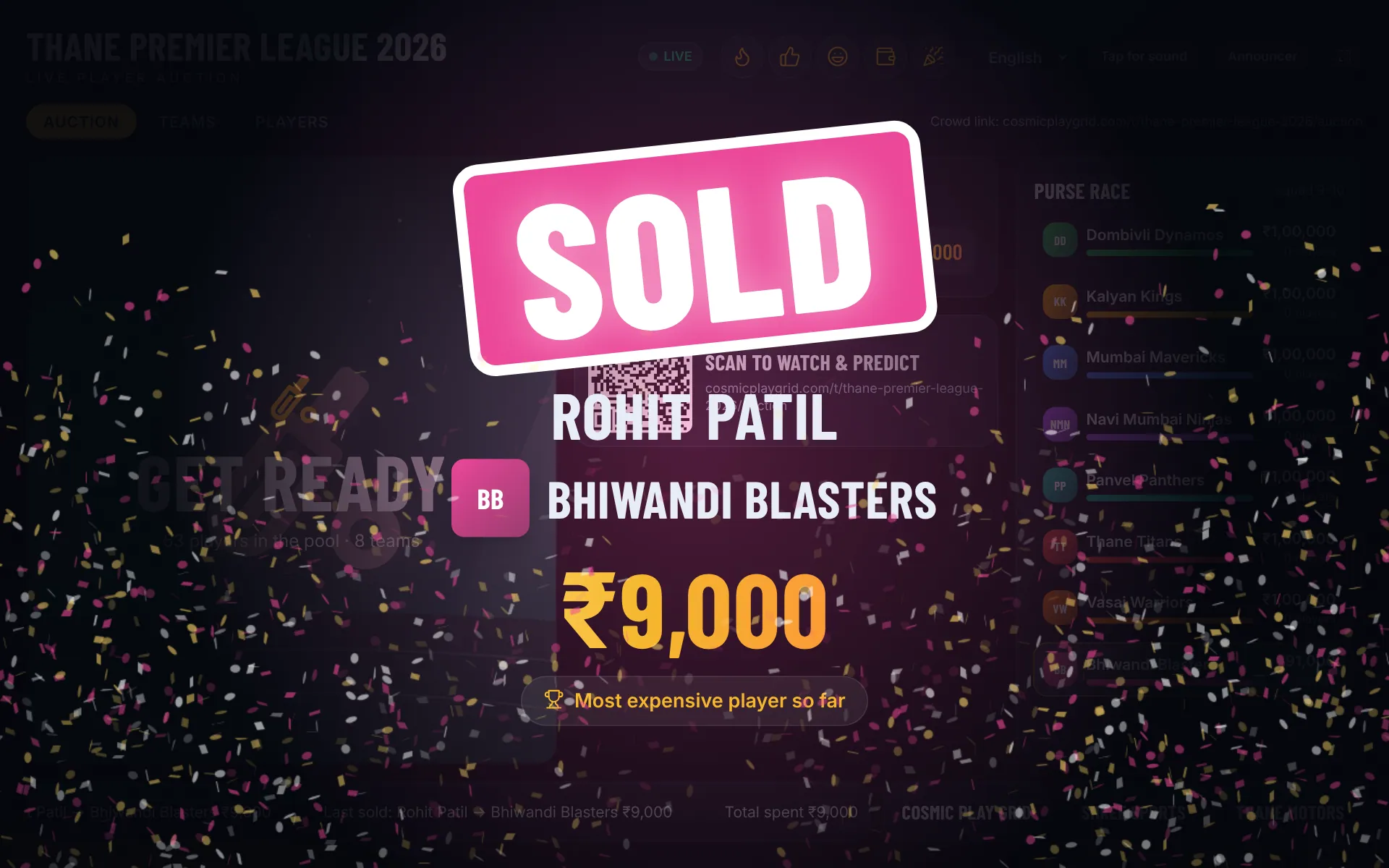
When the timer runs out the player is sold to the highest bidder, or tap SOLD yourself. The projector celebrates in team colours and a SOLD poster is ready to share.
- Step 7
Unsold players and results
After the pool runs out, Re-auction unsold players at a reduced base price, or Spin the wheel to place them. The squad sheet and auction results are under Links, Documents.