
Chapter 4 of 13
- 1Log in and find your dashboard
- 2Create your tournament
- 3Buy, upgrade or extend your plan
- 4Your control room
- 5Details, branding and registration settings
- 6Add teams and owners
- 7Player registration and payments
- 8Run the live auction
- 9Fixtures and points table
- 10Live scoring
- 11Big screens and live streaming
- 12Sponsors and reach report
- 13Staff, accounts and wrap-up
Chapter 4 · Organizers
Your control room
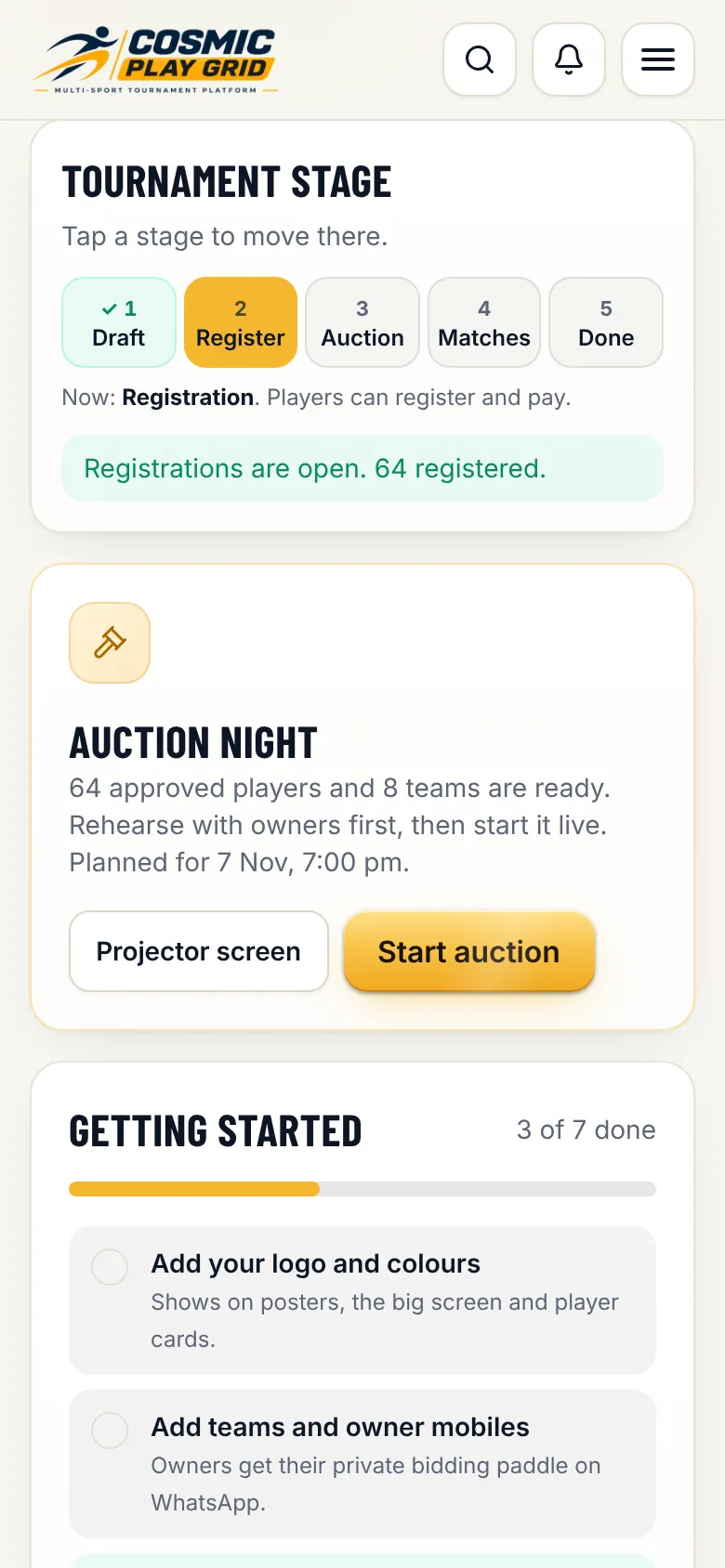
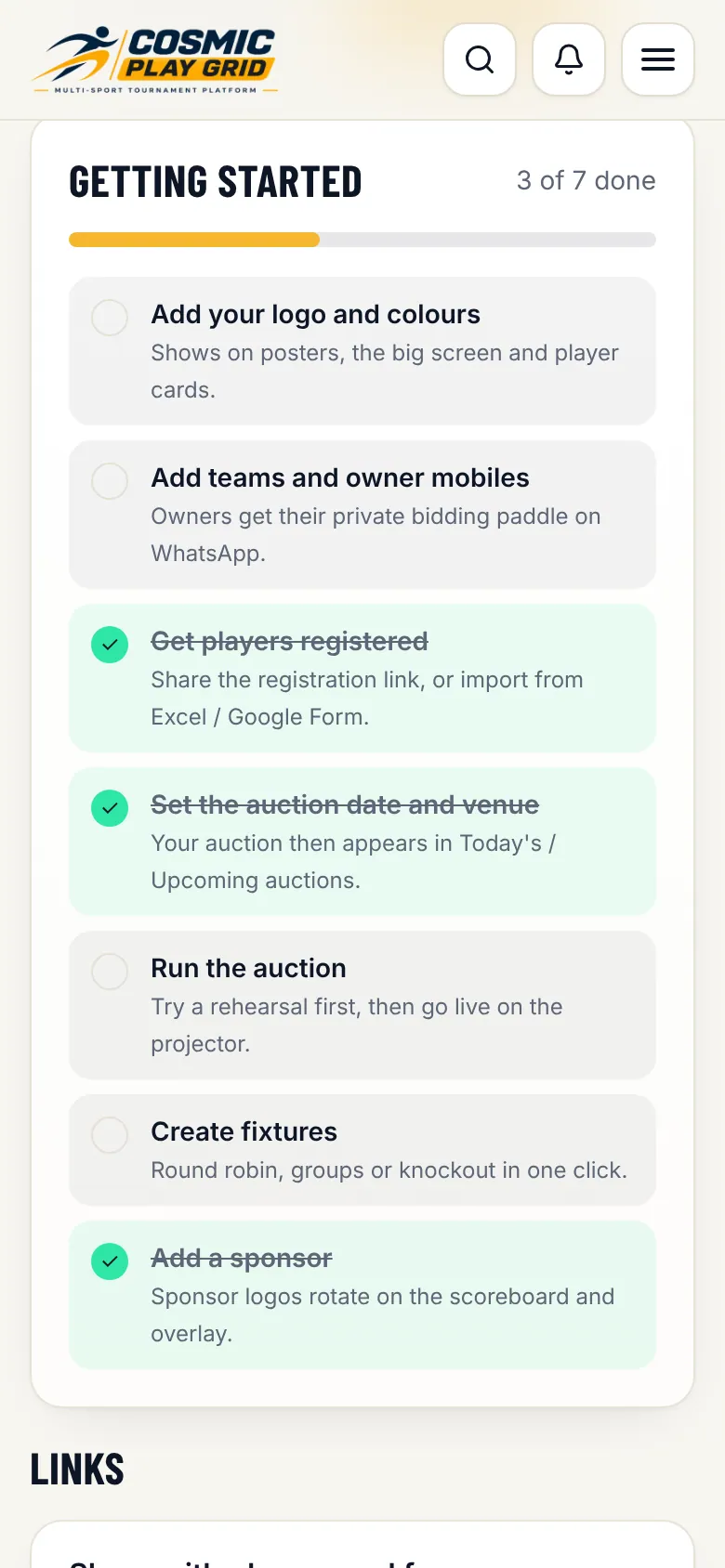
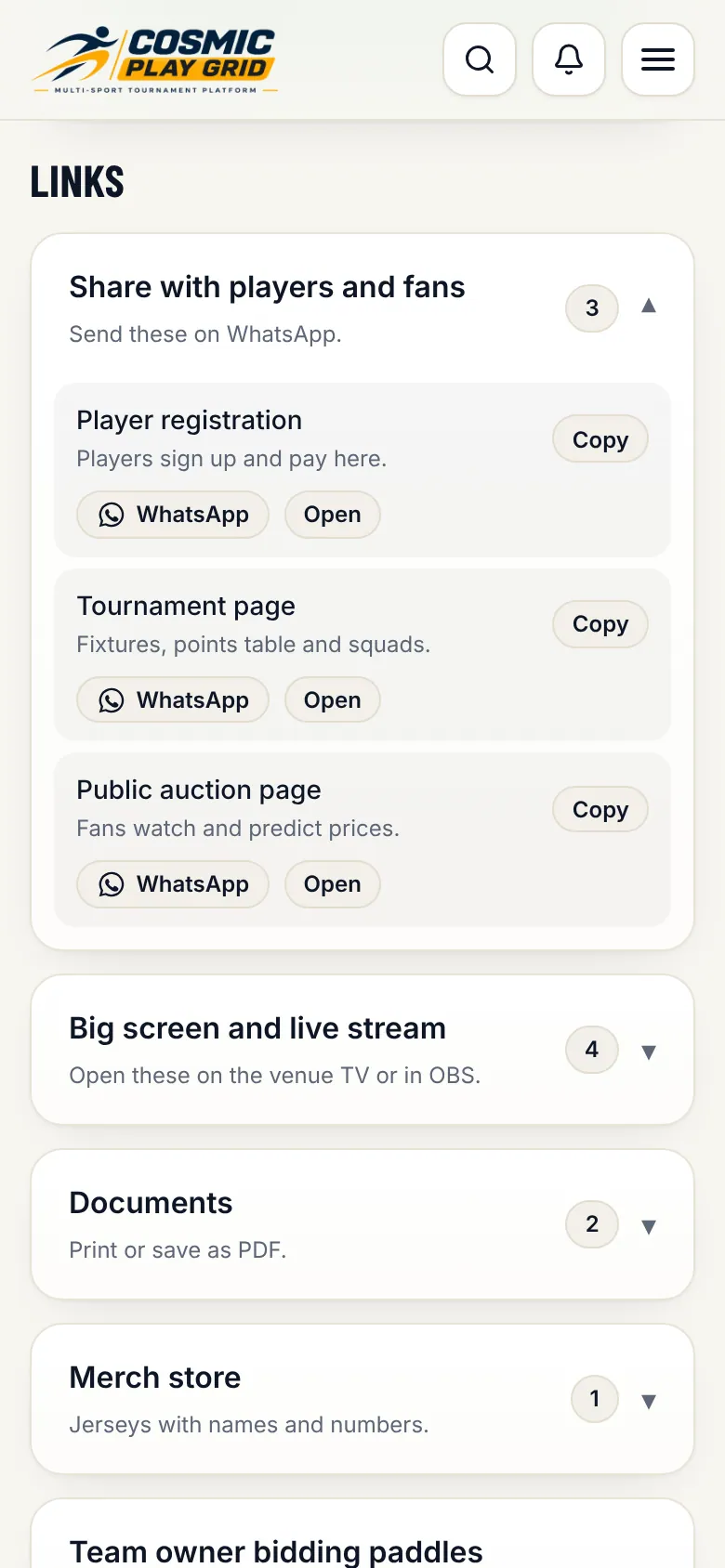
The tabs, the stage bar, the getting-started checklist and every link you will share.
3 min read4 steps
- Step 1
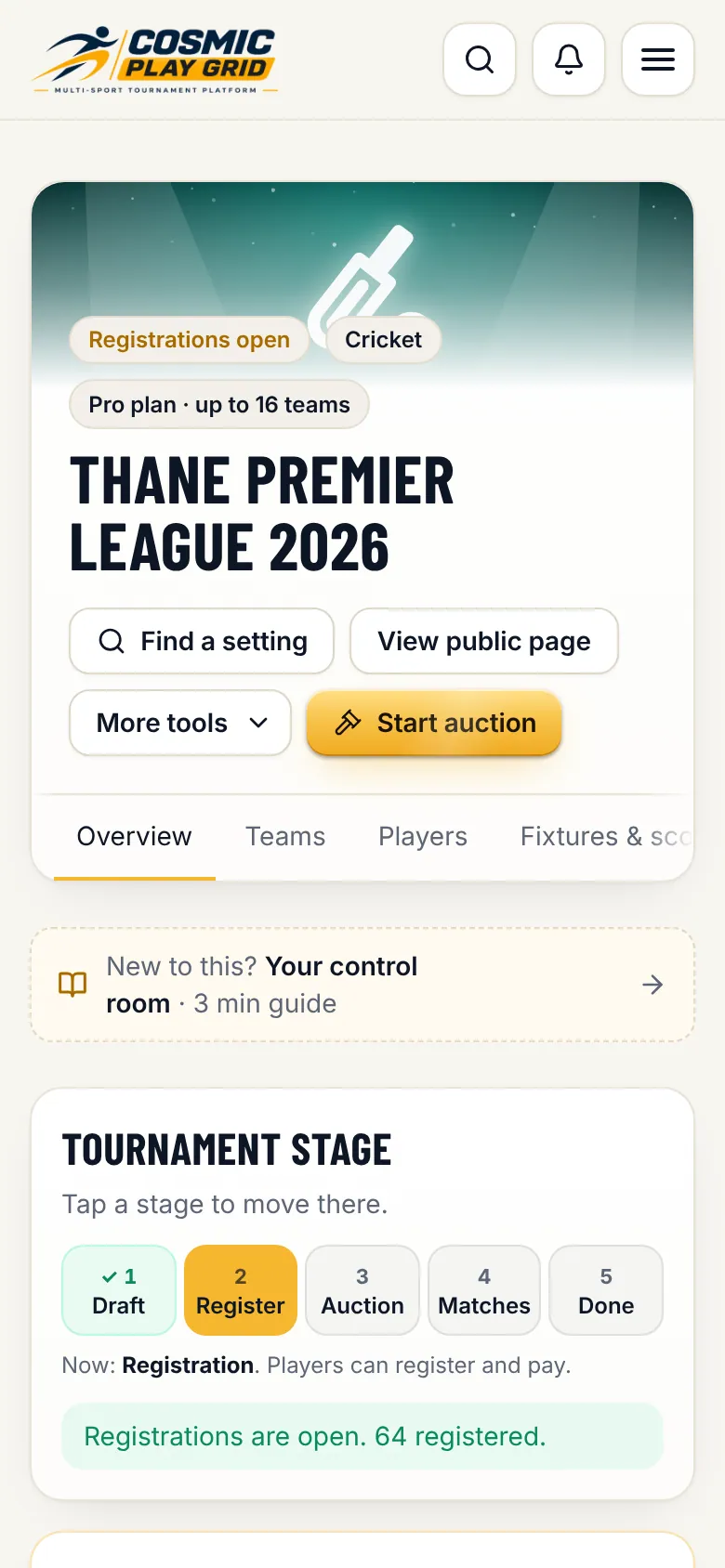
Tabs for every job
Run tabs (Overview, Teams, Players, Fixtures & scoring) are for match days. Set up tabs (Details, Smart setup, Playing rules, Sponsors, Staff, Plan & billing) are for getting ready. On a phone, swipe the tab bar sideways.