Chapter 1 of 13
- 1Log in and find your dashboard
- 2Create your tournament
- 3Buy, upgrade or extend your plan
- 4Your control room
- 5Details, branding and registration settings
- 6Add teams and owners
- 7Player registration and payments
- 8Run the live auction
- 9Fixtures and points table
- 10Live scoring
- 11Big screens and live streaming
- 12Sponsors and reach report
- 13Staff, accounts and wrap-up
Chapter 1 · Organizers
Log in and find your dashboard
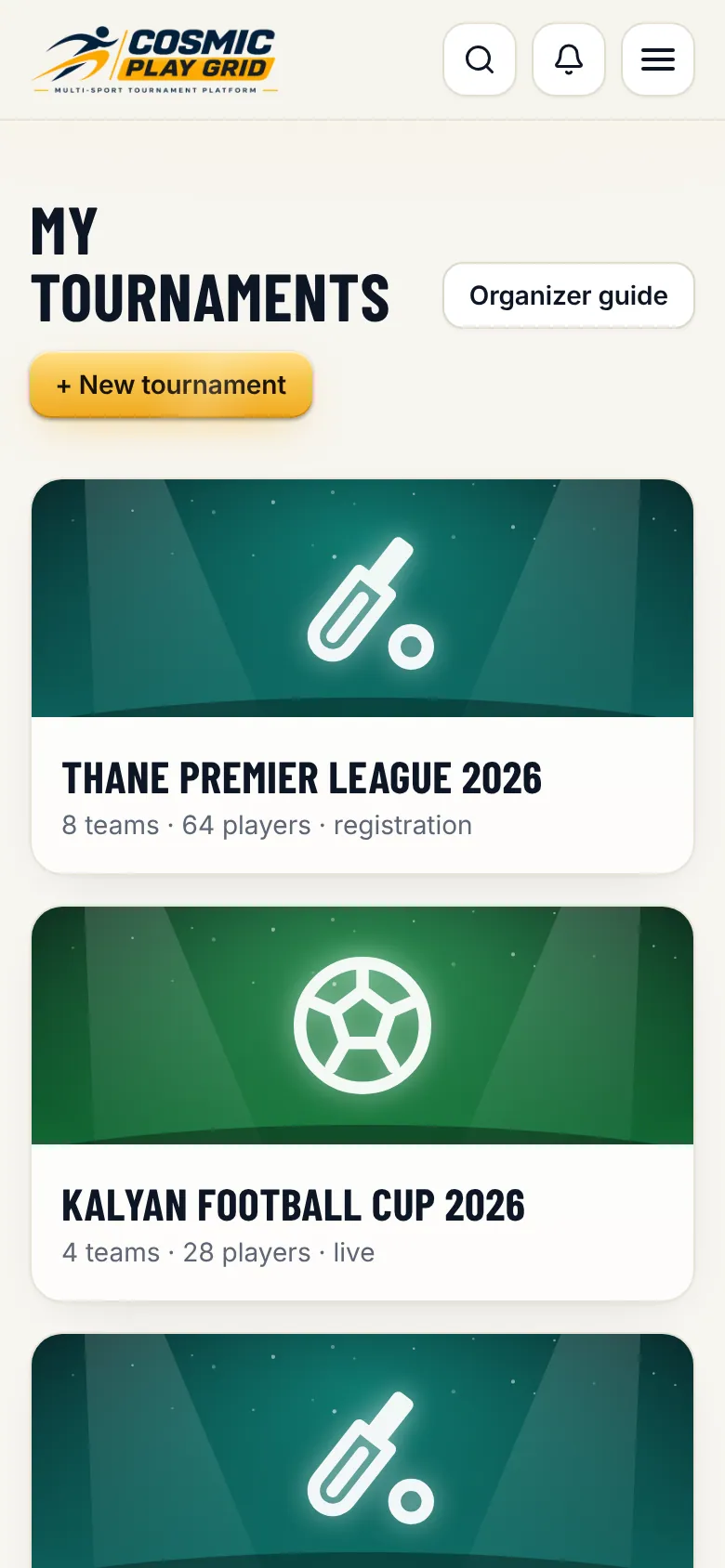
One login for everything. Your tournaments live under My tournaments.
2 min read3 steps
- Step 1
Open the login page
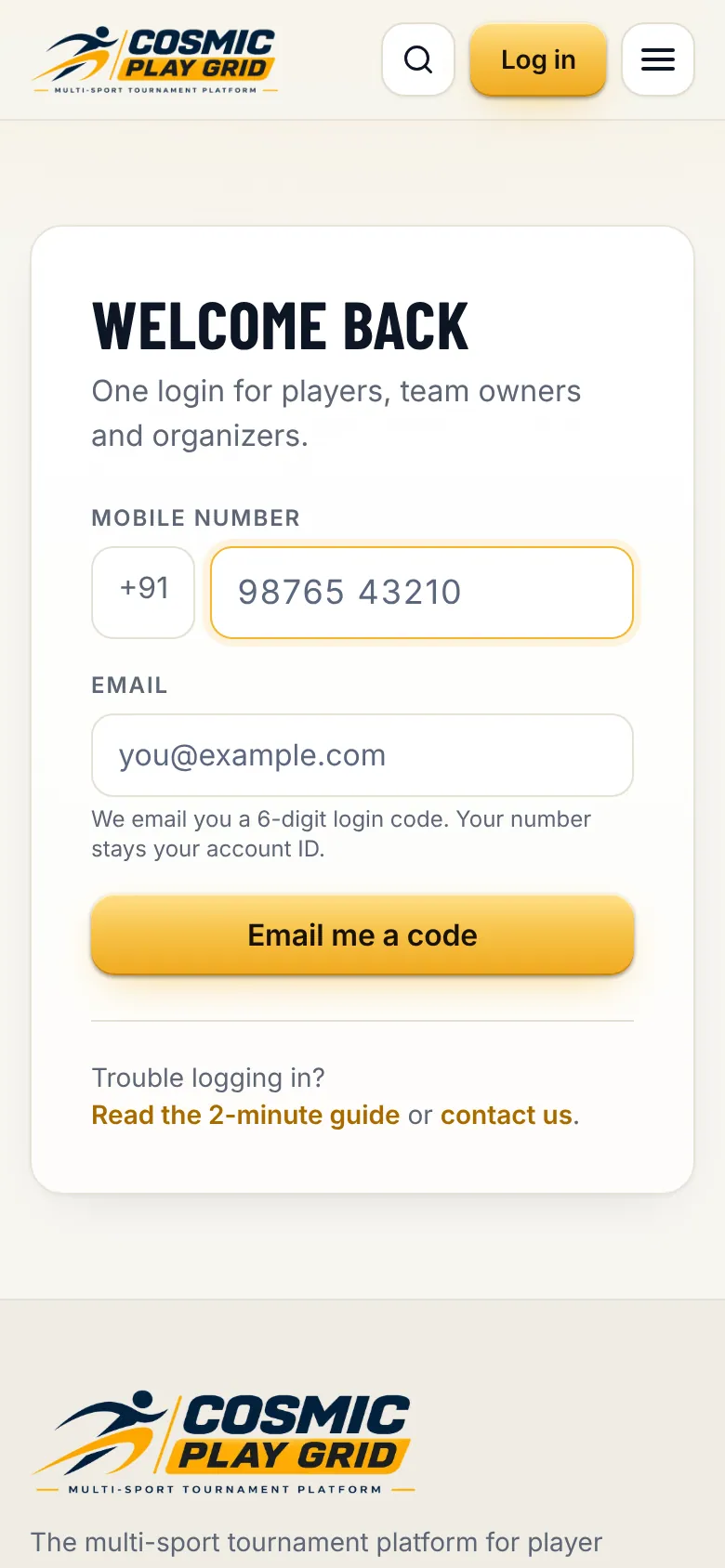
Go to cosmicplaygrid.com and tap Log in. Enter your 10-digit mobile number and your email address, then tap Email me a code.
Tip. Your mobile number is your account. Use the same number every time, including in the app.
- Step 2
Enter the code
Open the email from Cosmic Play Grid and type the 6-digit code. The code works for 5 minutes. You stay logged in on this phone for 30 days.