Chapter 3 of 13
- 1Log in and find your dashboard
- 2Create your tournament
- 3Buy, upgrade or extend your plan
- 4Your control room
- 5Details, branding and registration settings
- 6Add teams and owners
- 7Player registration and payments
- 8Run the live auction
- 9Fixtures and points table
- 10Live scoring
- 11Big screens and live streaming
- 12Sponsors and reach report
- 13Staff, accounts and wrap-up
Chapter 3 · Organizers
Buy, upgrade or extend your plan
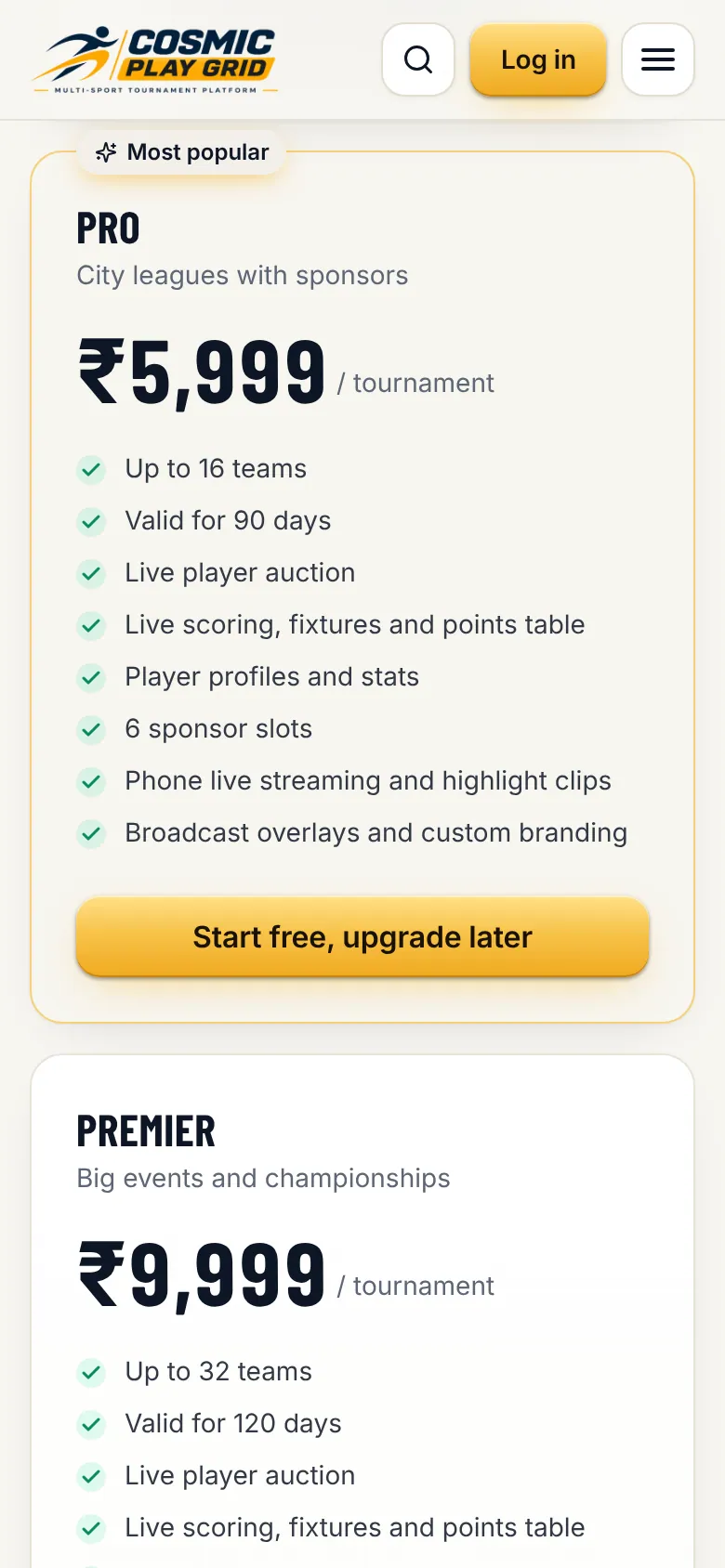
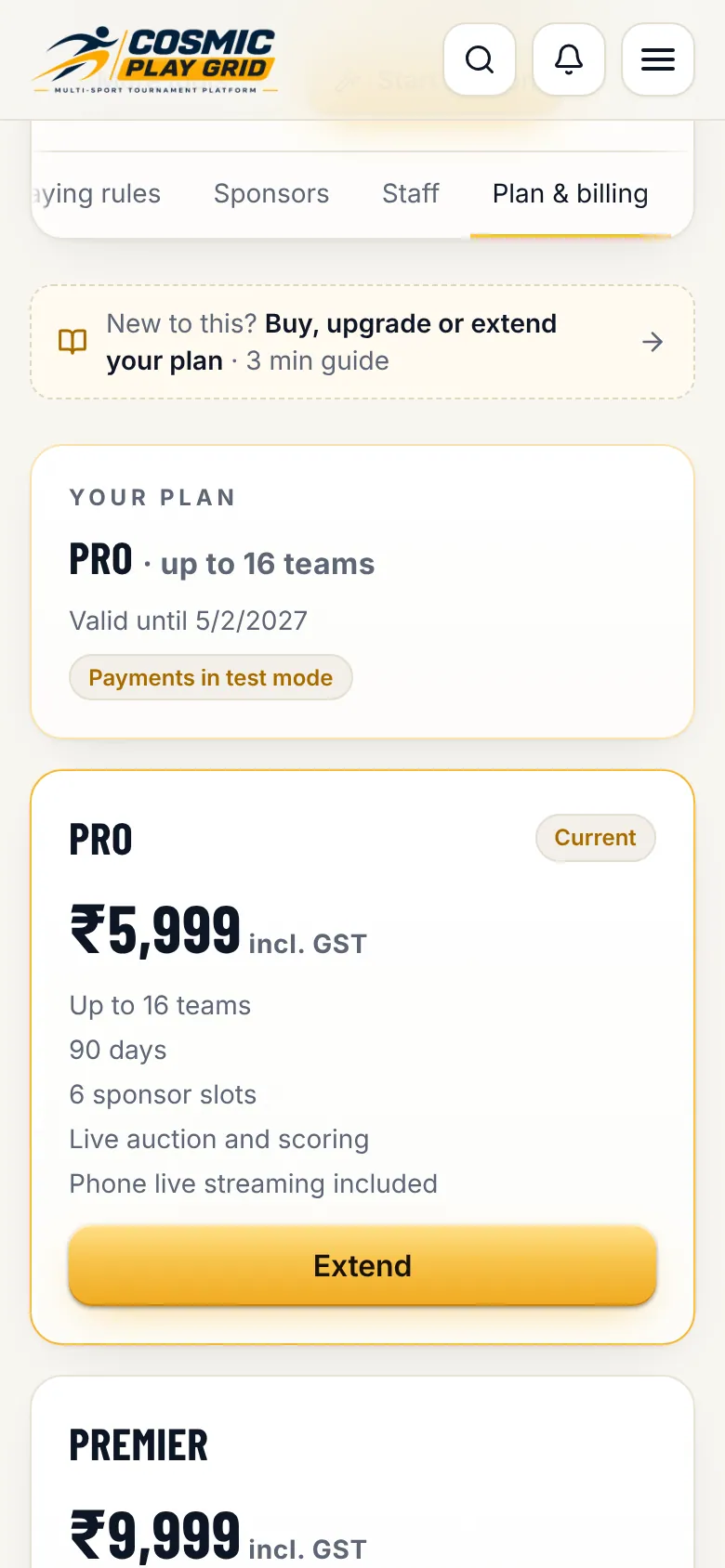
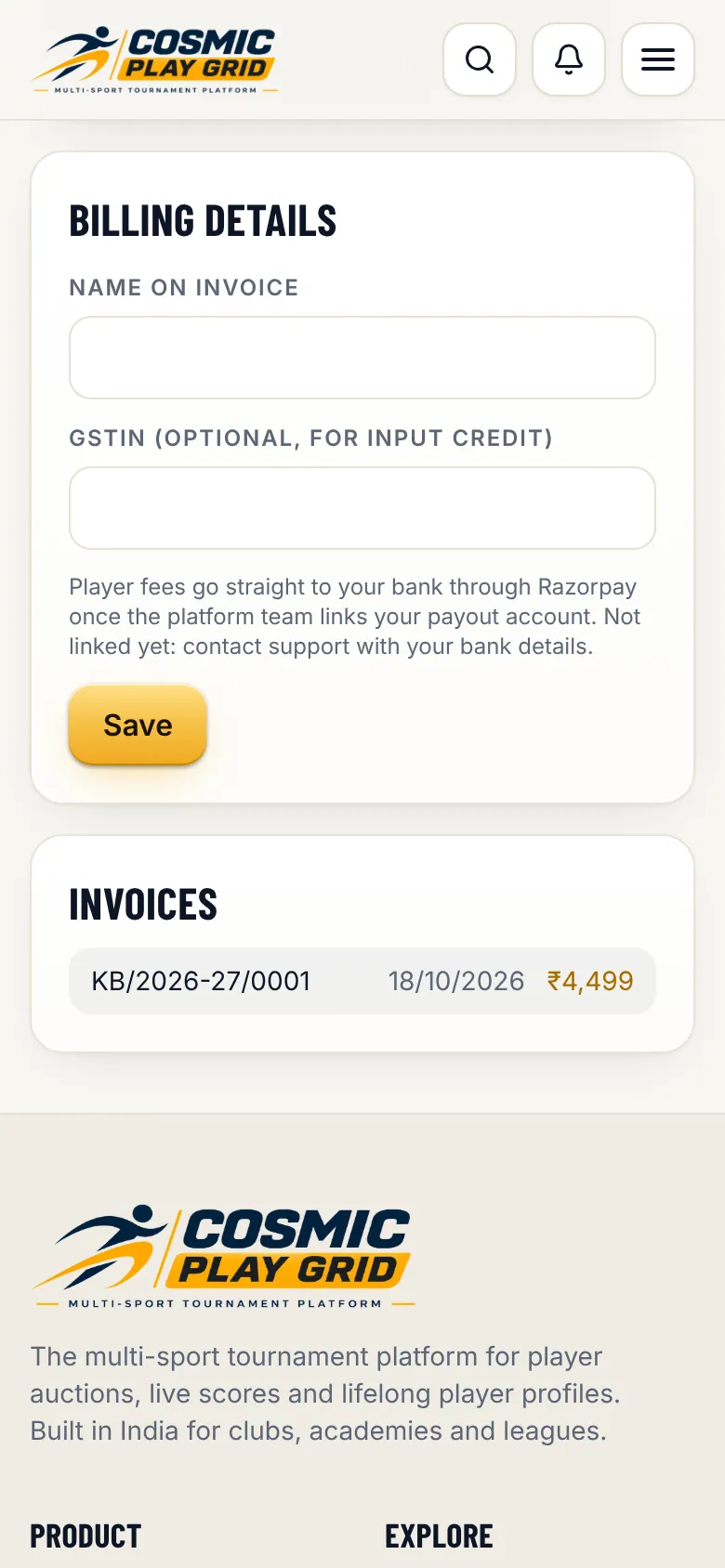
Plans are bought per tournament on the website. Invoices are ready to download.
3 min read5 steps
- Step 3
Pay securely
Tap Upgrade or Extend. Razorpay opens with UPI, cards, net banking and wallets. Your plan switches on the moment the payment succeeds, no waiting.
Tip. In the Android or iPhone app, payment opens on our website inside the app. Your purchase shows up in the app straight away.
- Step 5
Live-stream passes
Pro and Premier include phone live streaming. On Free and Starter, buy stream passes in the same tab: one pass streams one match.