Chapter 10 of 13
- 1Log in and find your dashboard
- 2Create your tournament
- 3Buy, upgrade or extend your plan
- 4Your control room
- 5Details, branding and registration settings
- 6Add teams and owners
- 7Player registration and payments
- 8Run the live auction
- 9Fixtures and points table
- 10Live scoring
- 11Big screens and live streaming
- 12Sponsors and reach report
- 13Staff, accounts and wrap-up
Chapter 10 · Organizers
Live scoring
Score from a phone. Fans see every ball instantly.
5 min read5 steps
- Step 1
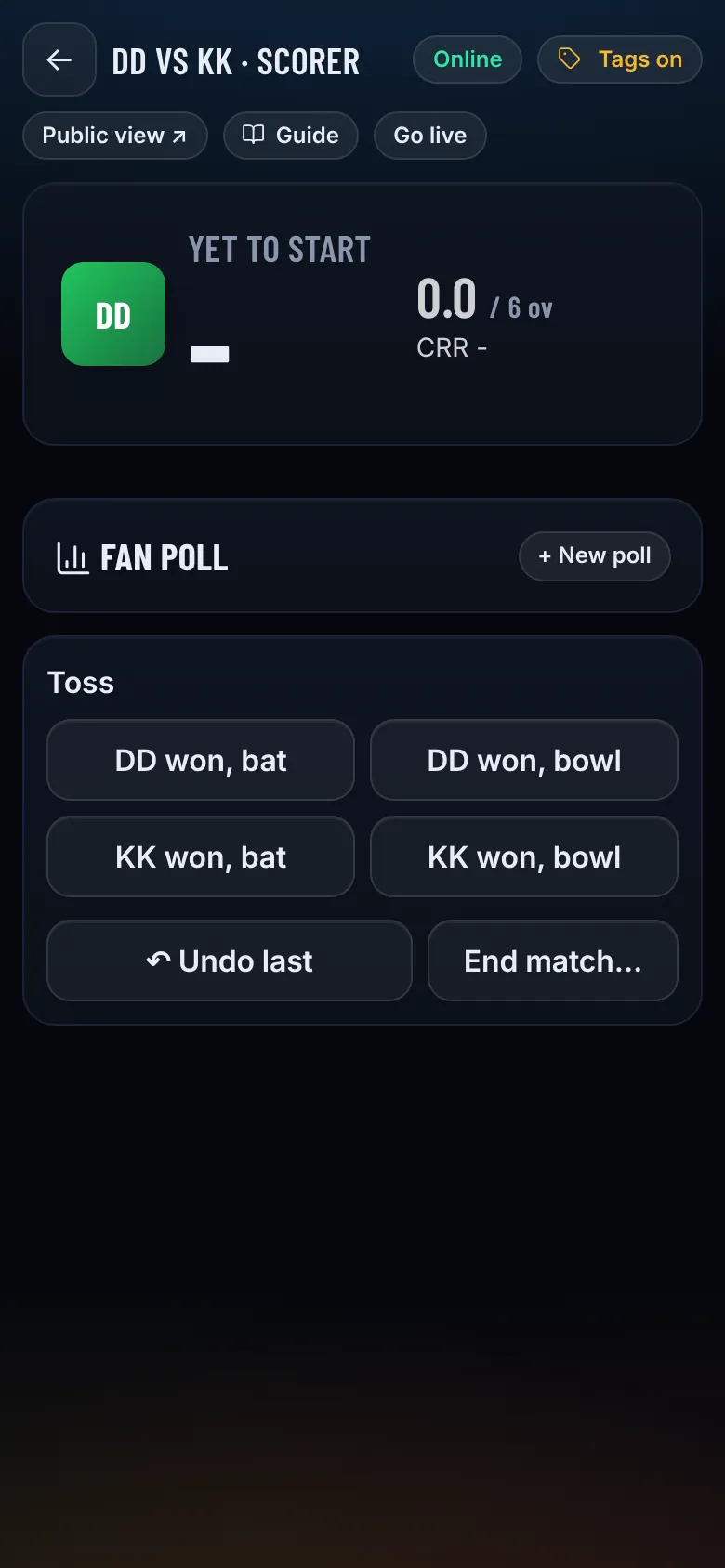
Open the scorer
In Fixtures & scoring tap Score next to a match. Give the scorer's mobile number a Scorer role under Staff so they can score from their own phone.
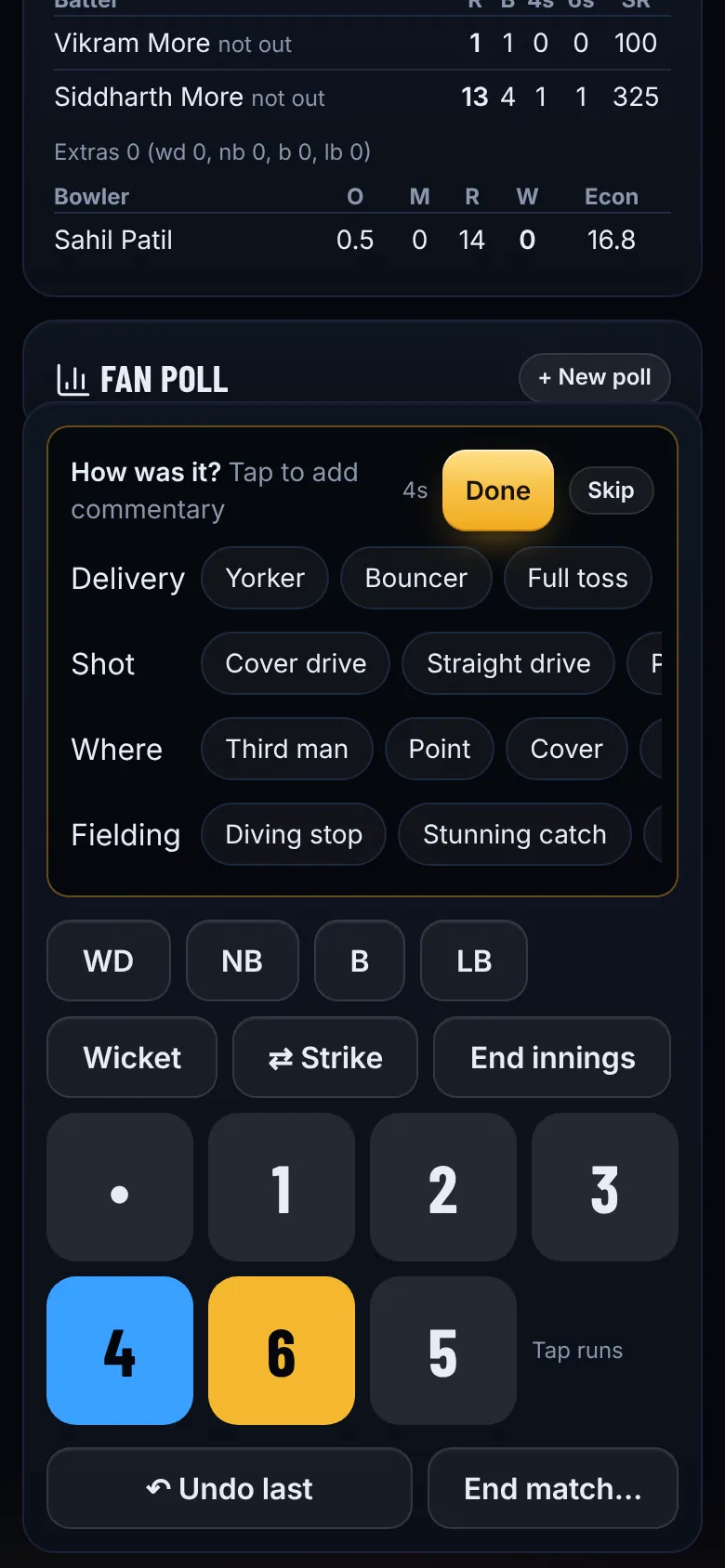
Tip. Scoring works offline. If the signal drops, keep scoring: everything syncs when the phone is back online.
- Step 5
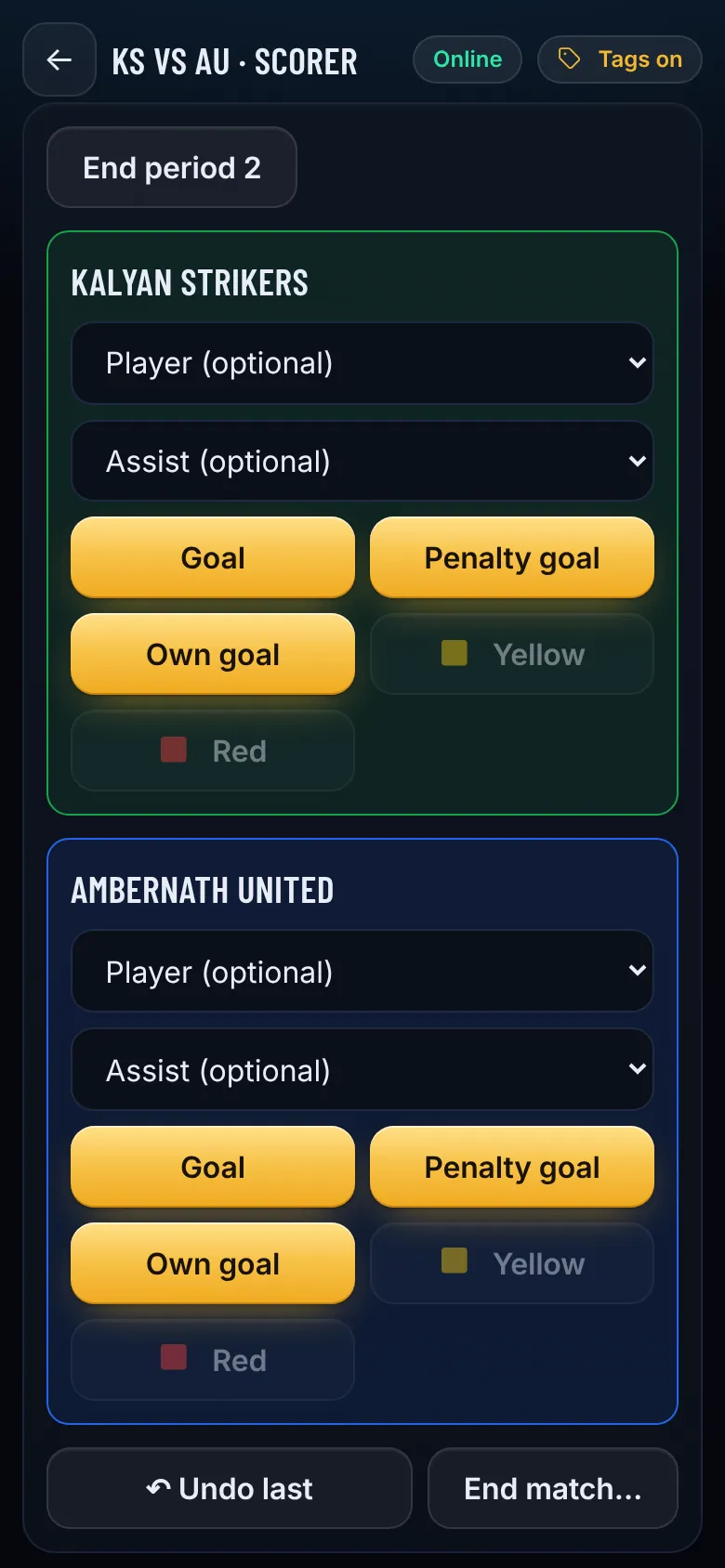
Finish the match
Tap End match when it is over. The result, points table, player stats, ratings and a shareable result poster all update straight away.