Chapter 2 of 13
- 1Log in and find your dashboard
- 2Create your tournament
- 3Buy, upgrade or extend your plan
- 4Your control room
- 5Details, branding and registration settings
- 6Add teams and owners
- 7Player registration and payments
- 8Run the live auction
- 9Fixtures and points table
- 10Live scoring
- 11Big screens and live streaming
- 12Sponsors and reach report
- 13Staff, accounts and wrap-up
Chapter 2 · Organizers
Create your tournament
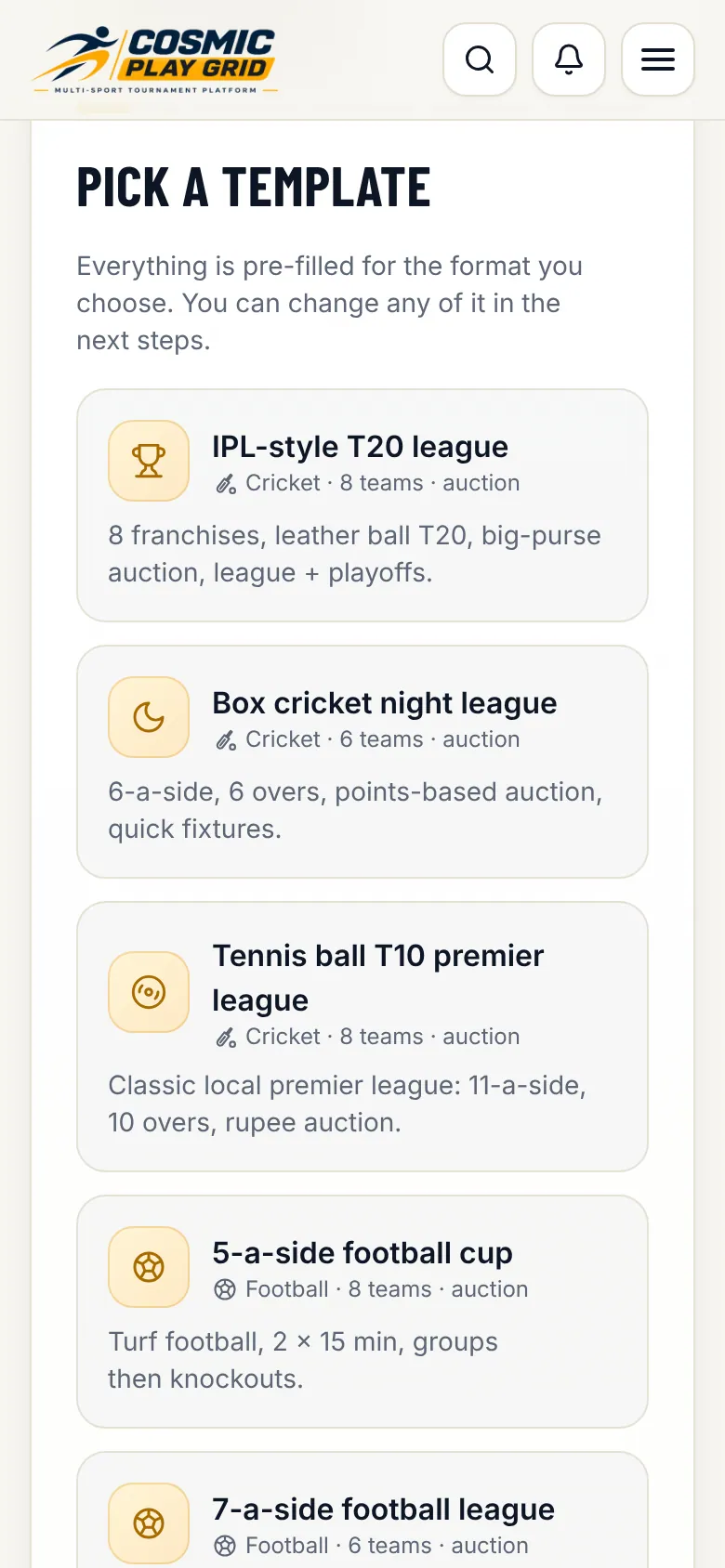
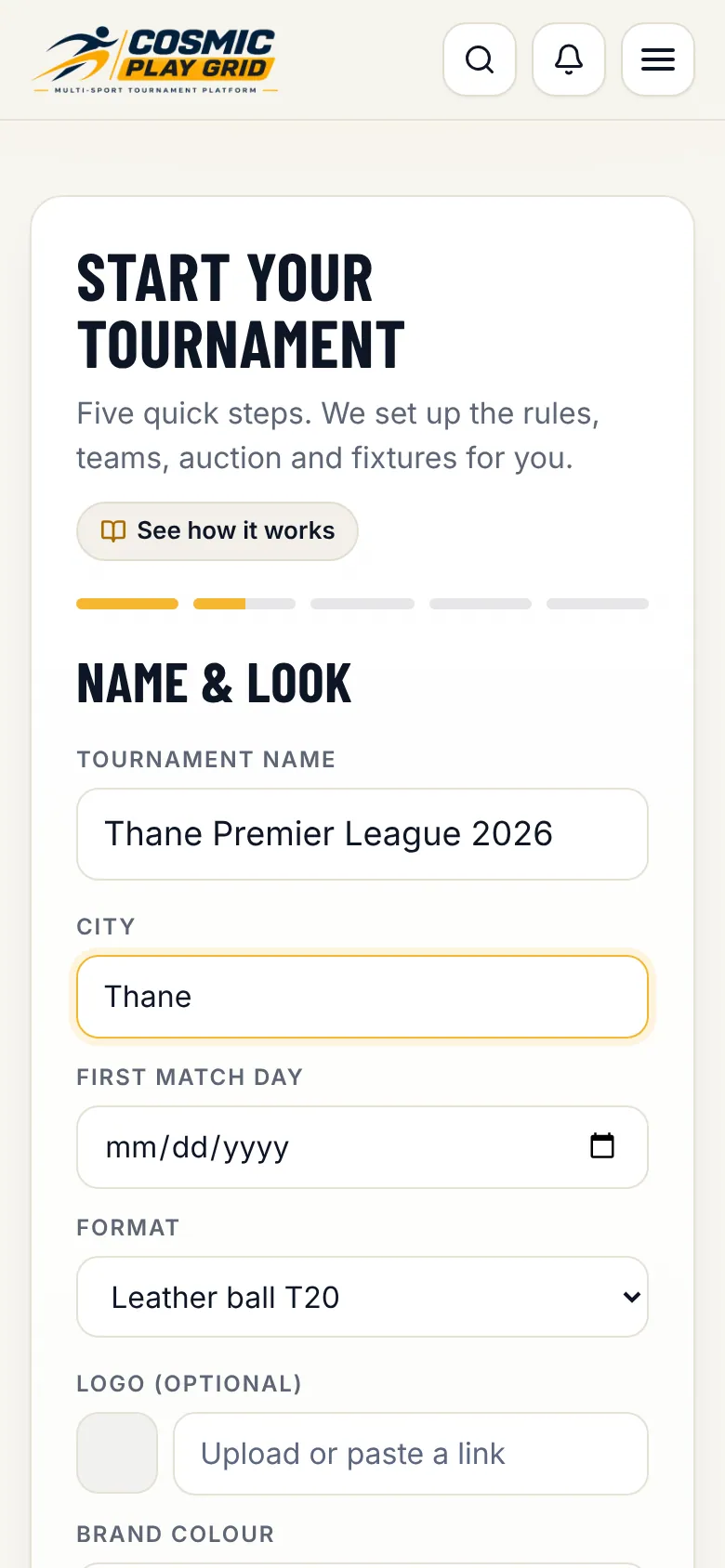
Five quick steps: template, name and look, teams, auction and fixtures.
3 min read4 steps
- Step 3
Teams, auction and fees
Choose how many teams take part, whether there is a player auction (with purse and bid steps) and how fixtures are played. Set the registration fee players pay. Tap Create tournament on the last step.
Tip. Not sure yet? Keep the template's numbers. Everything is editable in the control room.
- Step 4
You land in your control room
Your tournament is ready. Tournaments with up to 3 teams start on the Free plan, which never expires. Bigger ones start on a 14-day free trial. Buy or upgrade a plan any time from Plan & billing.