Set up, collect registrations and fees, run the auction night, publish fixtures, score every ball and stream it. Follow the chapters in order the first time.
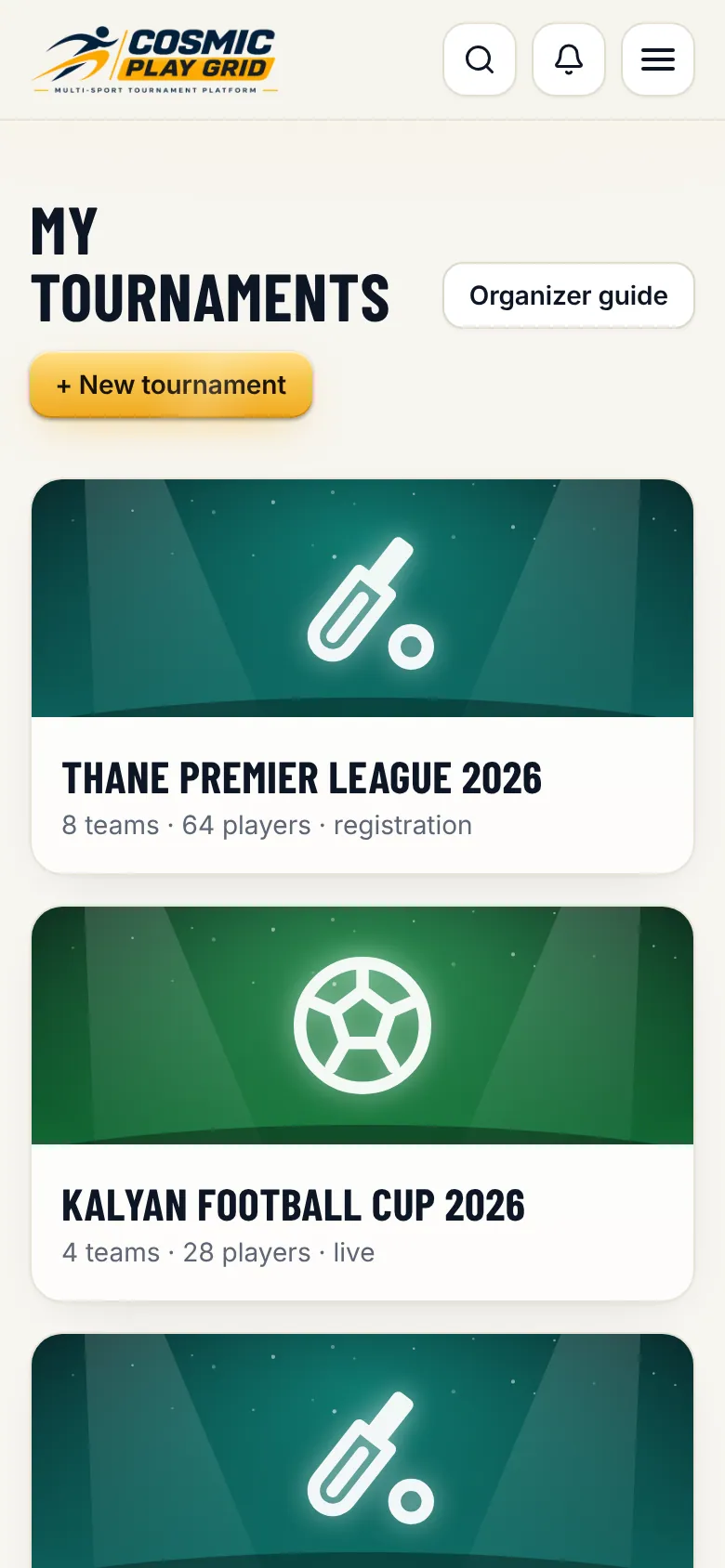
One login for everything. Your tournaments live under My tournaments.
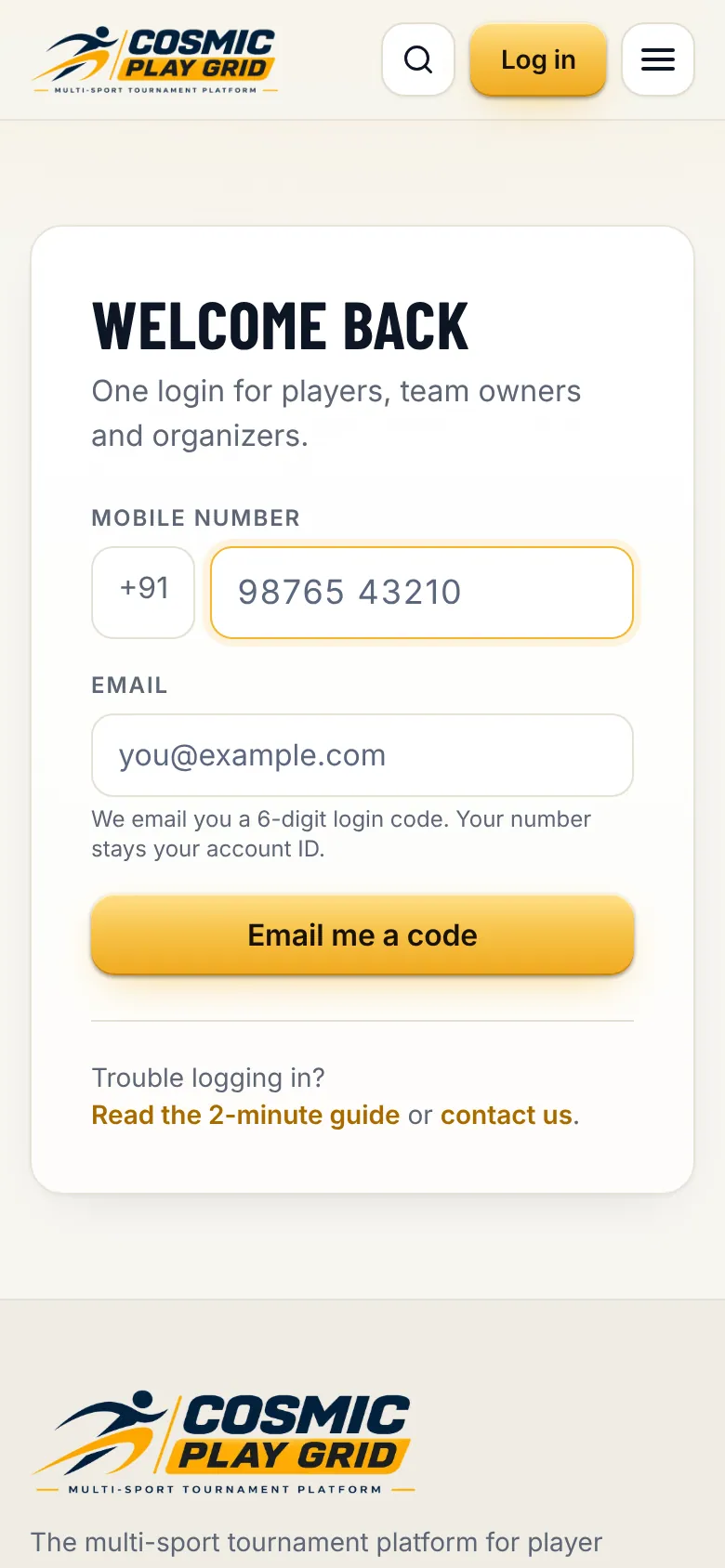
Go to cosmicplaygrid.com and tap Log in. Enter your 10-digit mobile number and your email address, then tap Email me a code.
Tip. Your mobile number is your account. Use the same number every time, including in the app.
Open the email from Cosmic Play Grid and type the 6-digit code. The code works for 5 minutes. You stay logged in on this phone for 30 days.
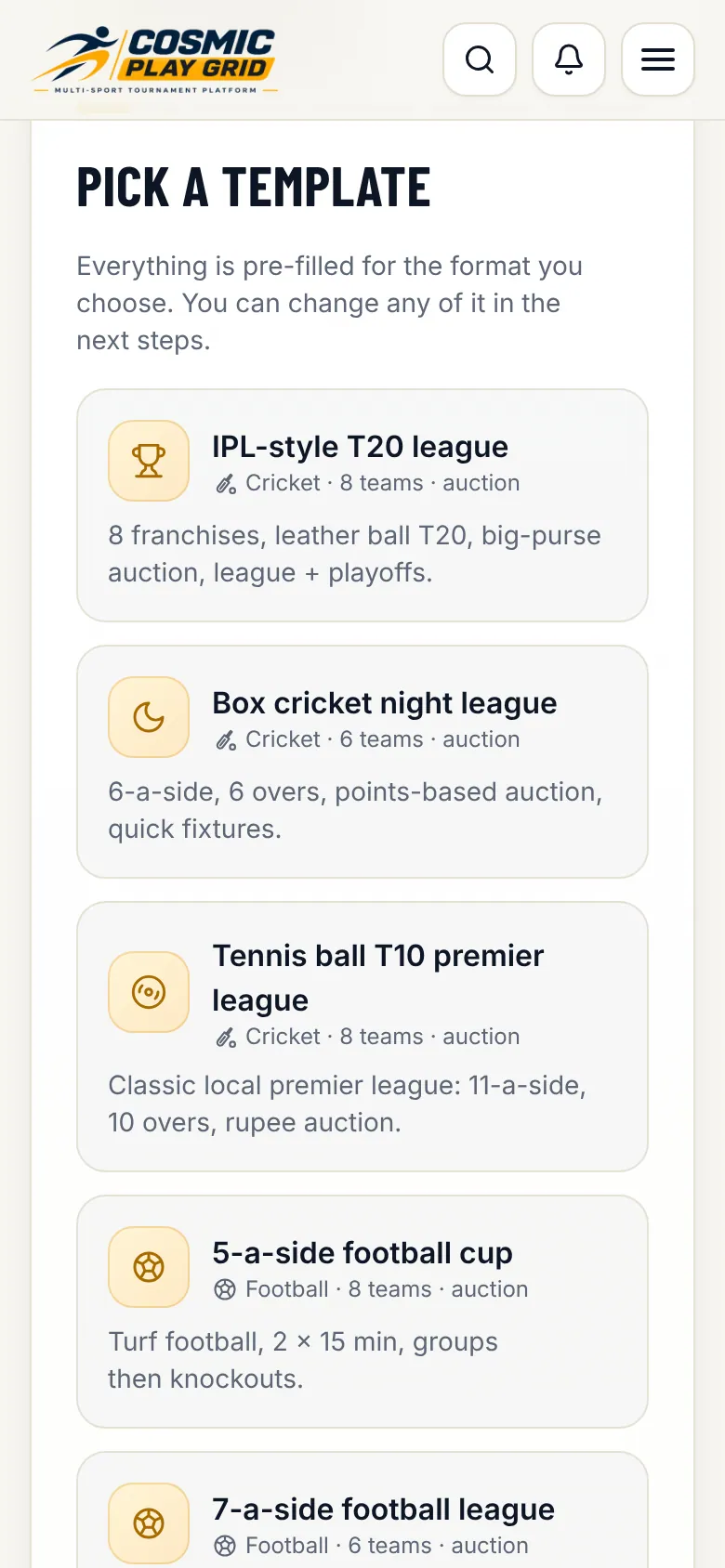
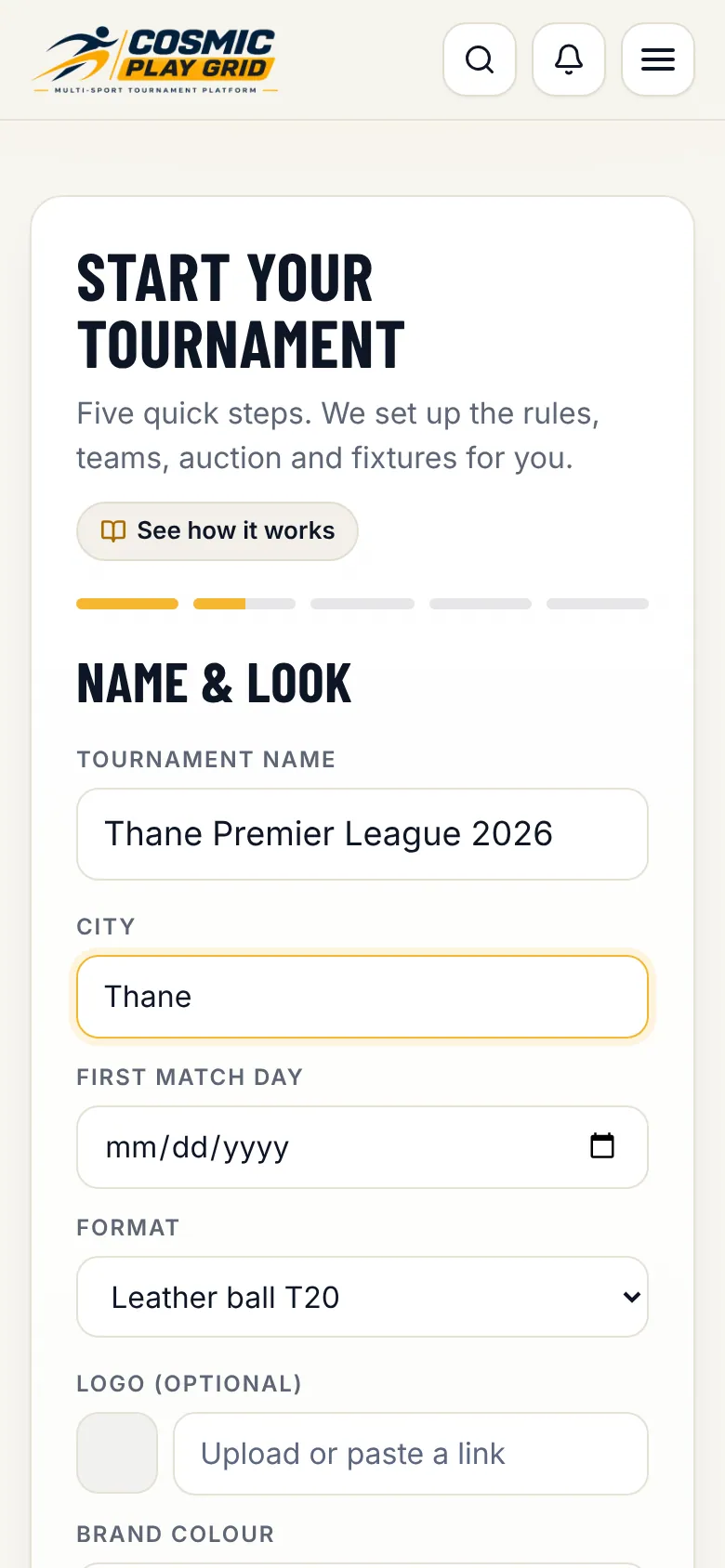
Five quick steps: template, name and look, teams, auction and fixtures.
Choose how many teams take part, whether there is a player auction (with purse and bid steps) and how fixtures are played. Set the registration fee players pay. Tap Create tournament on the last step.
Tip. Not sure yet? Keep the template's numbers. Everything is editable in the control room.
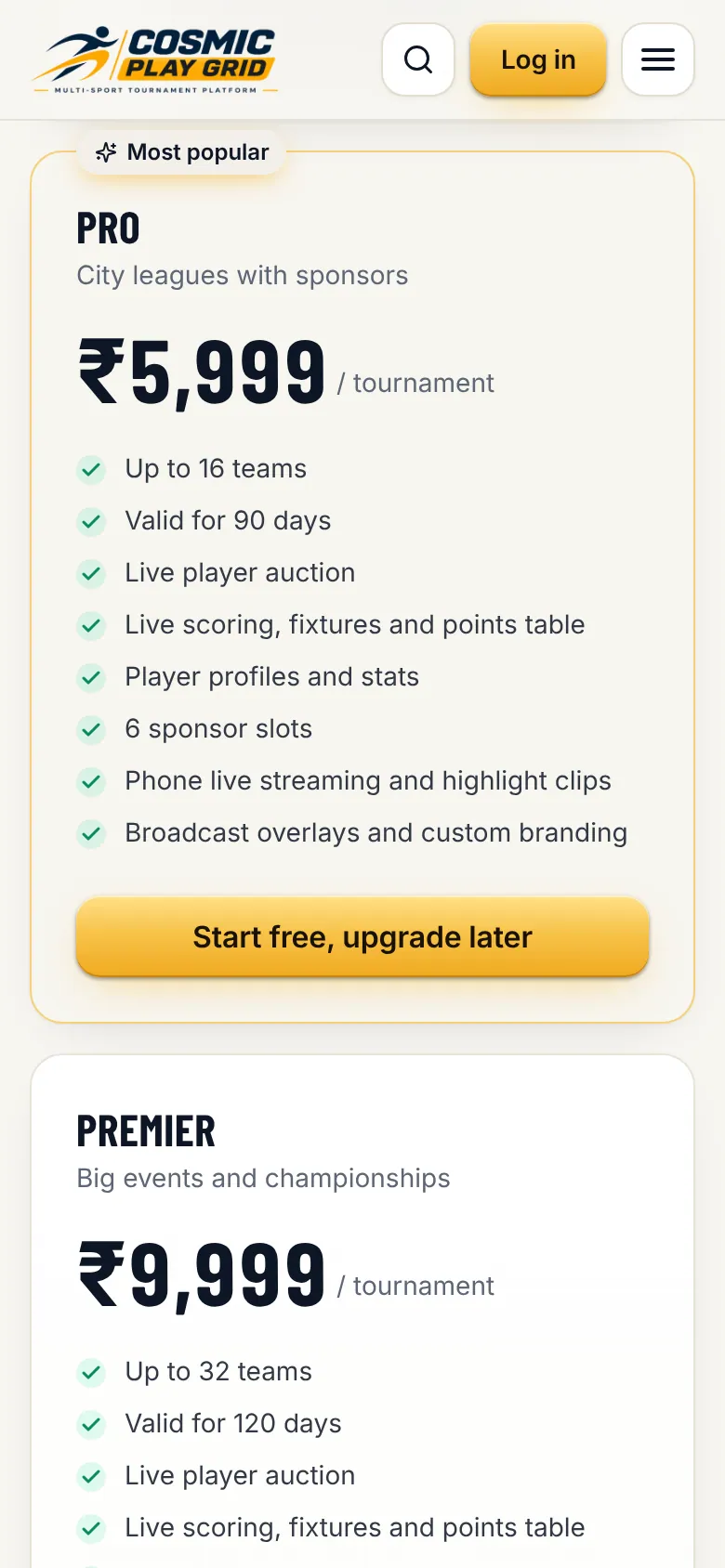
Your tournament is ready. Tournaments with up to 3 teams start on the Free plan, which never expires. Bigger ones start on a 14-day free trial. Buy or upgrade a plan any time from Plan & billing.
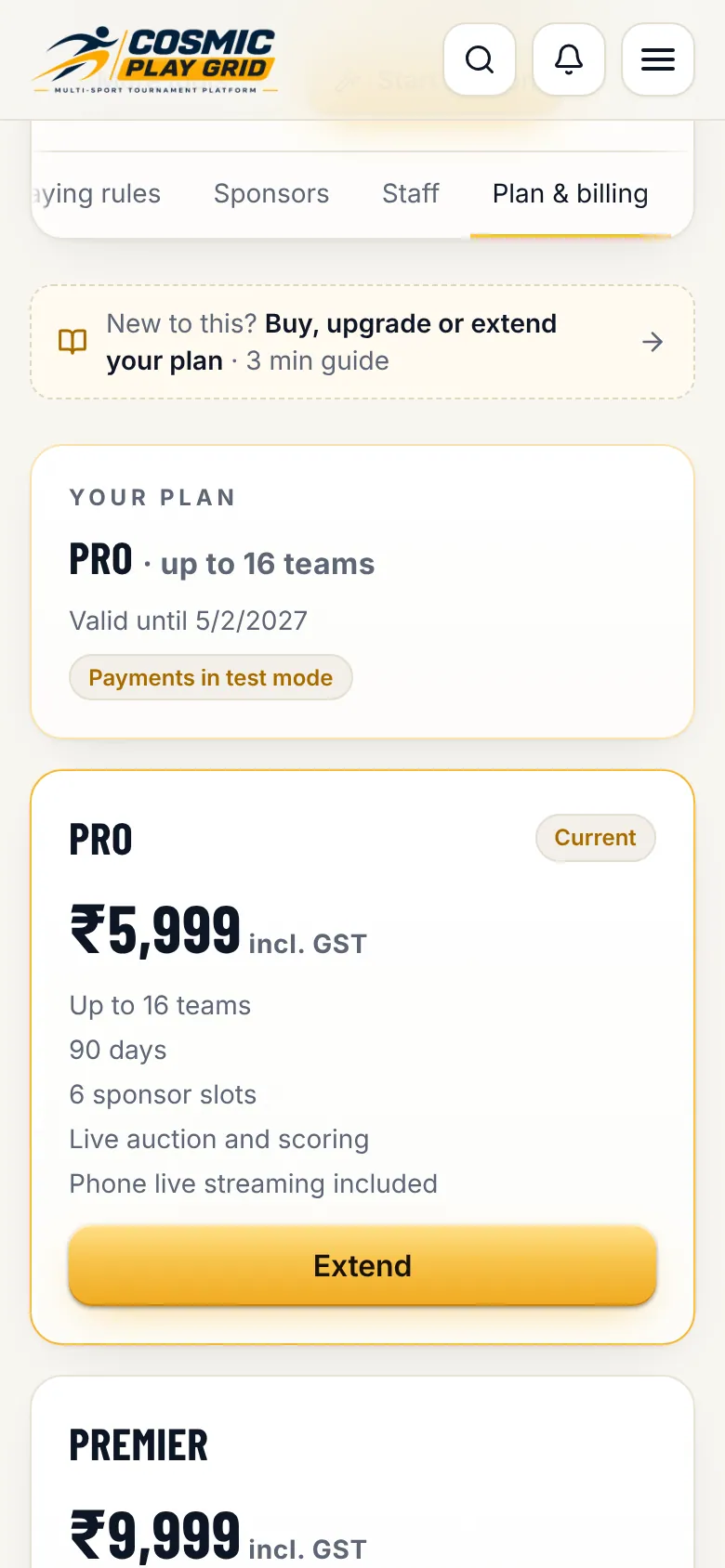
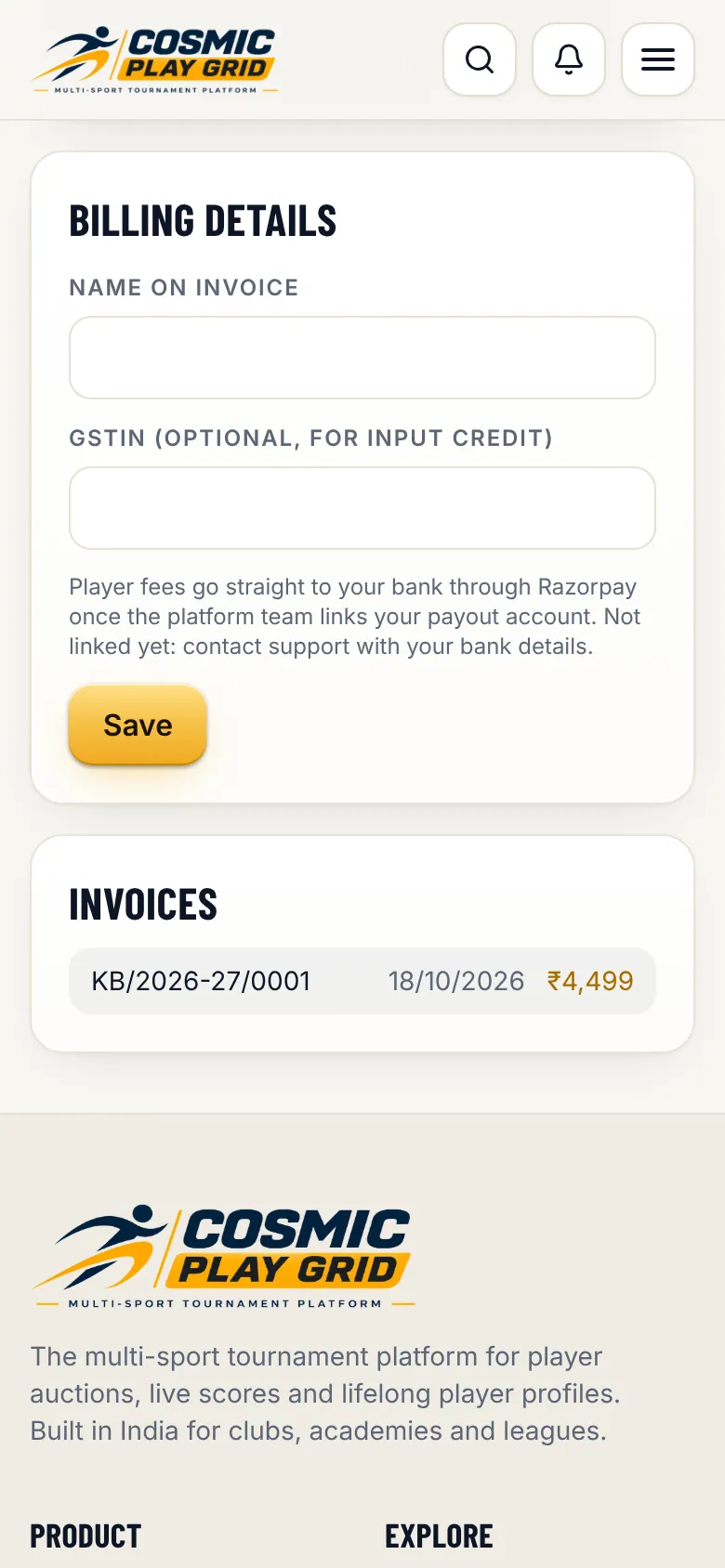
Plans are bought per tournament on the website. Invoices are ready to download.
Tap Upgrade or Extend. Razorpay opens with UPI, cards, net banking and wallets. Your plan switches on the moment the payment succeeds, no waiting.
Tip. In the Android or iPhone app, payment opens on our website inside the app. Your purchase shows up in the app straight away.
Pro and Premier include phone live streaming. On Free and Starter, buy stream passes in the same tab: one pass streams one match.
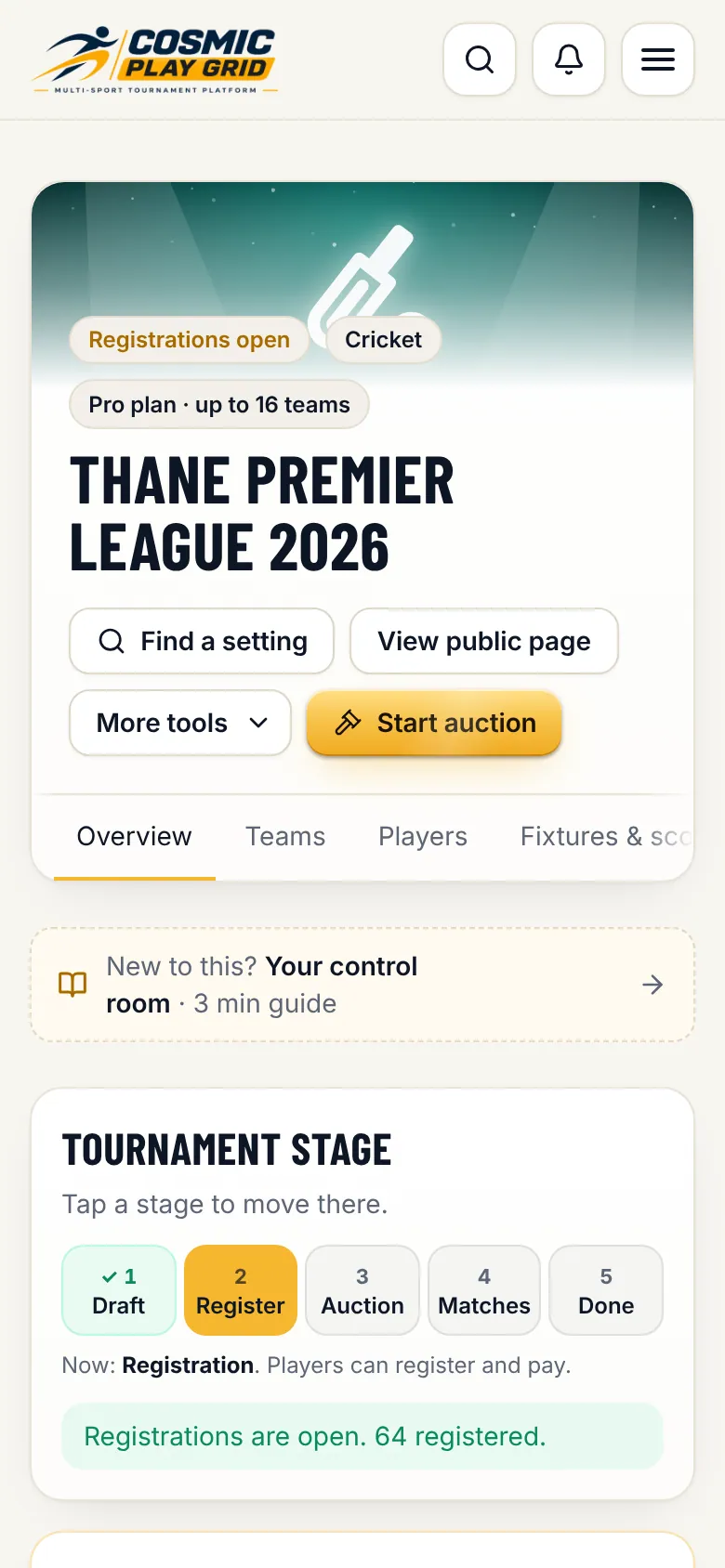
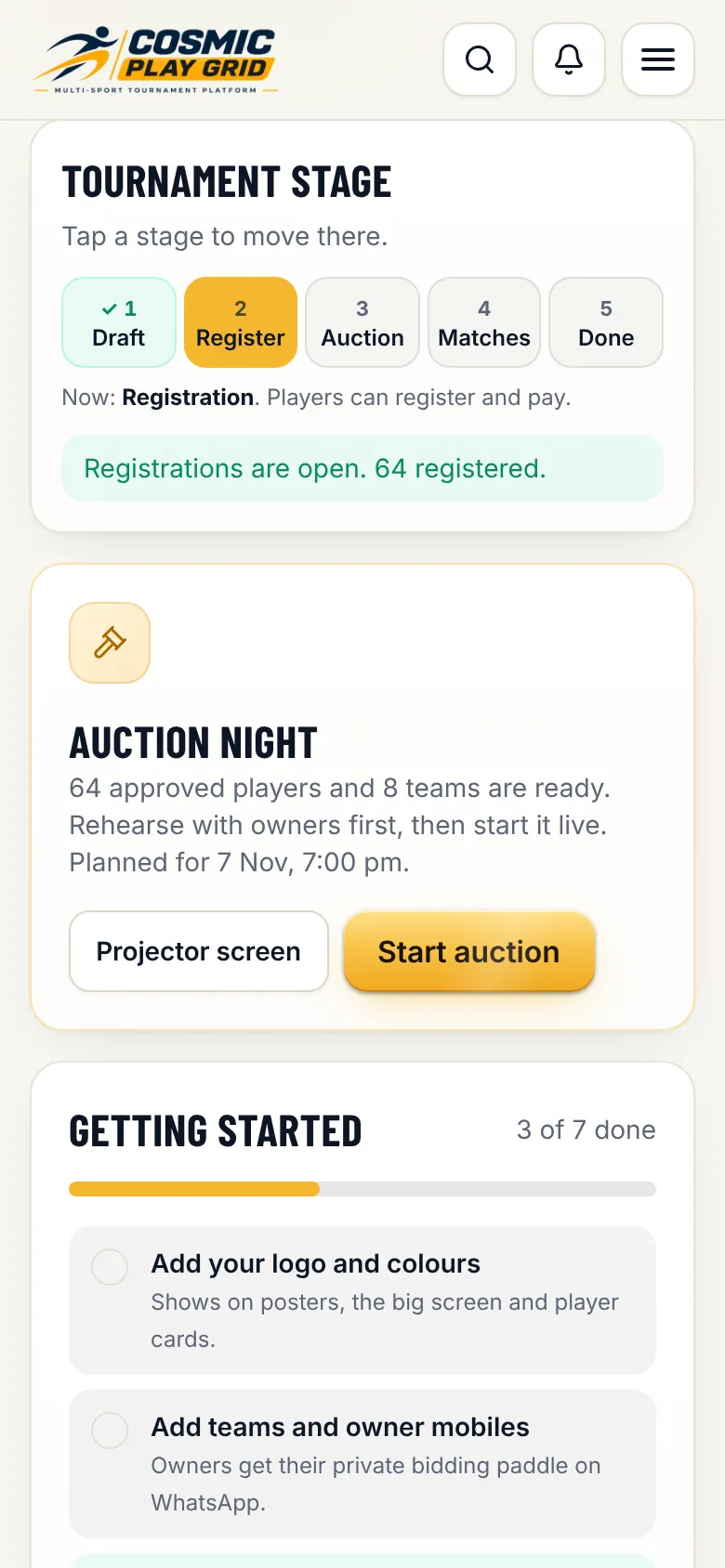
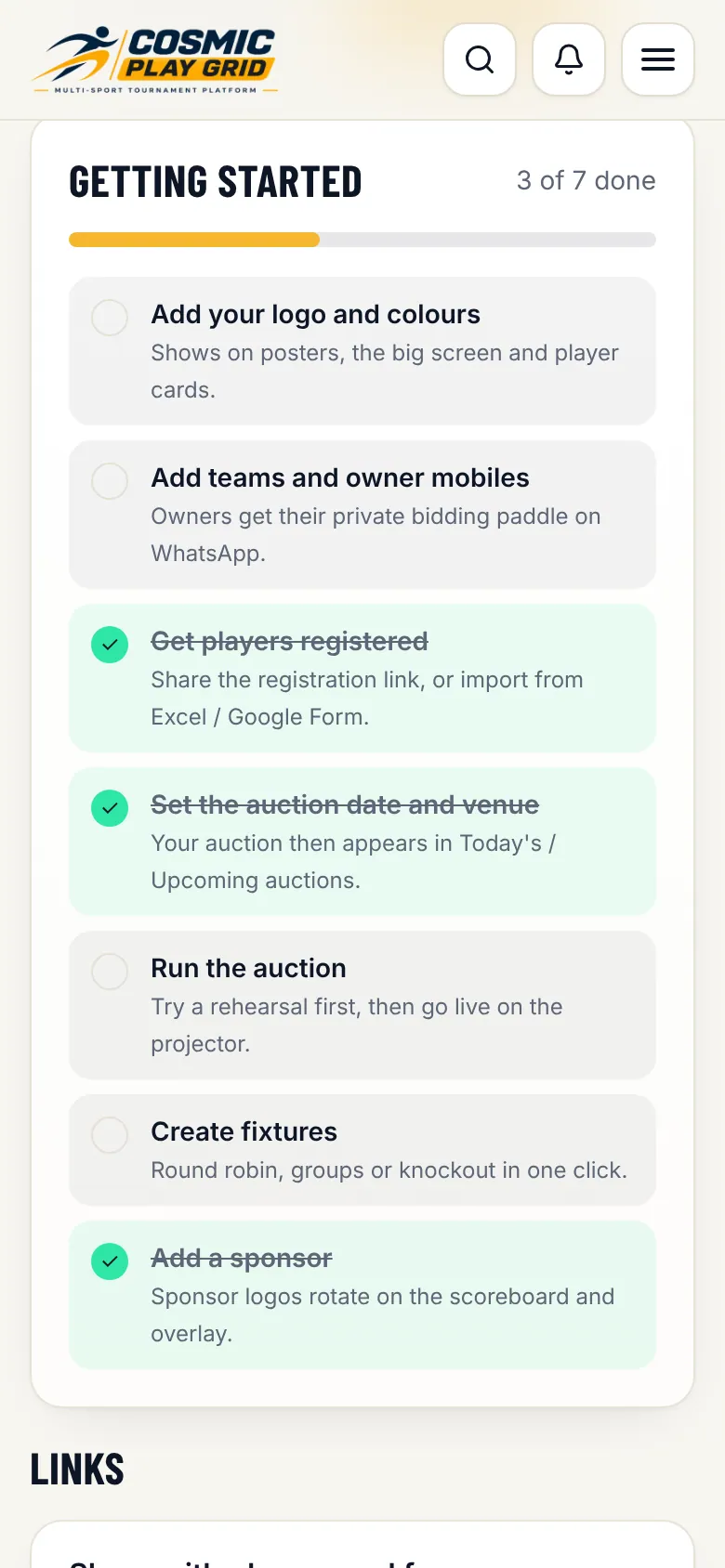
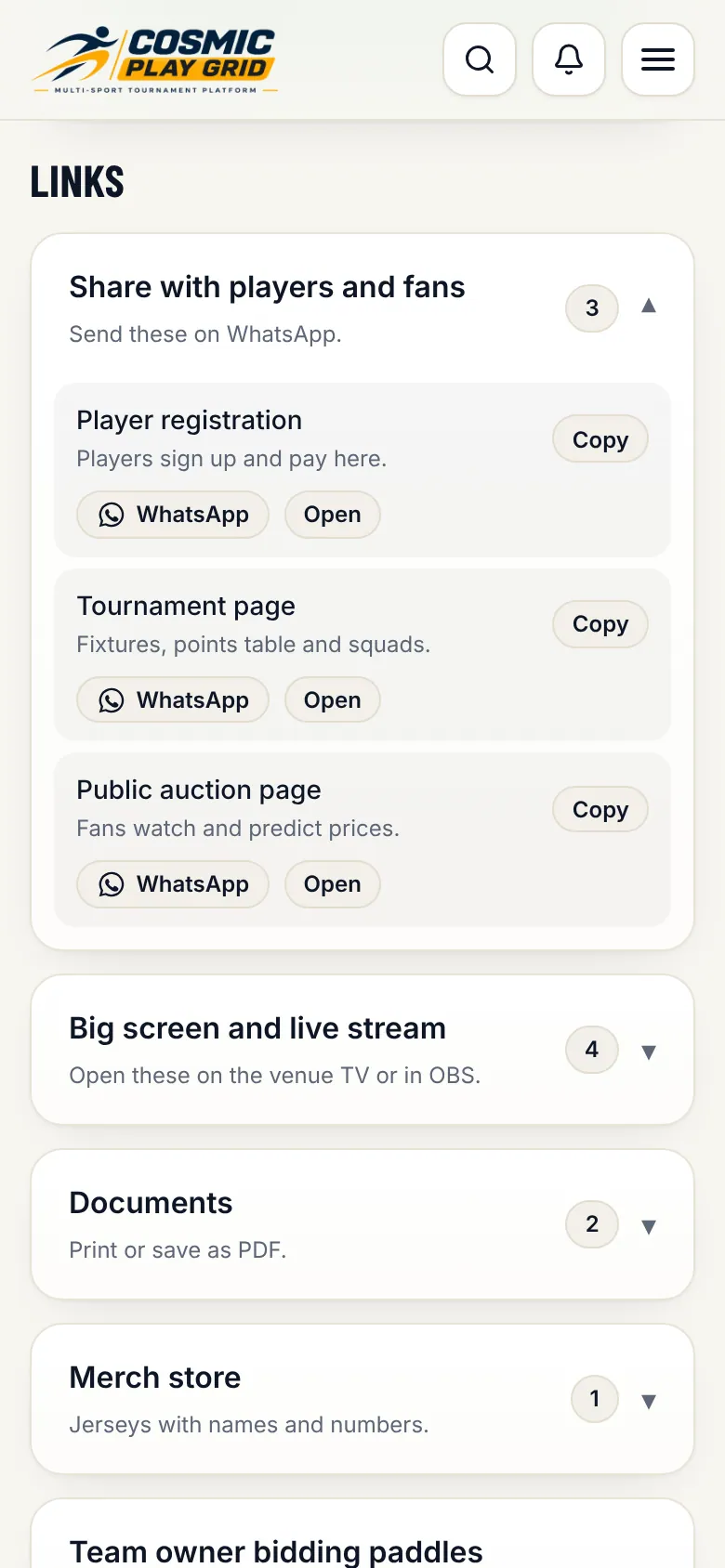
The tabs, the stage bar, the getting-started checklist and every link you will share.
Run tabs (Overview, Teams, Players, Fixtures & scoring) are for match days. Set up tabs (Details, Smart setup, Playing rules, Sponsors, Staff, Plan & billing) are for getting ready. On a phone, swipe the tab bar sideways.
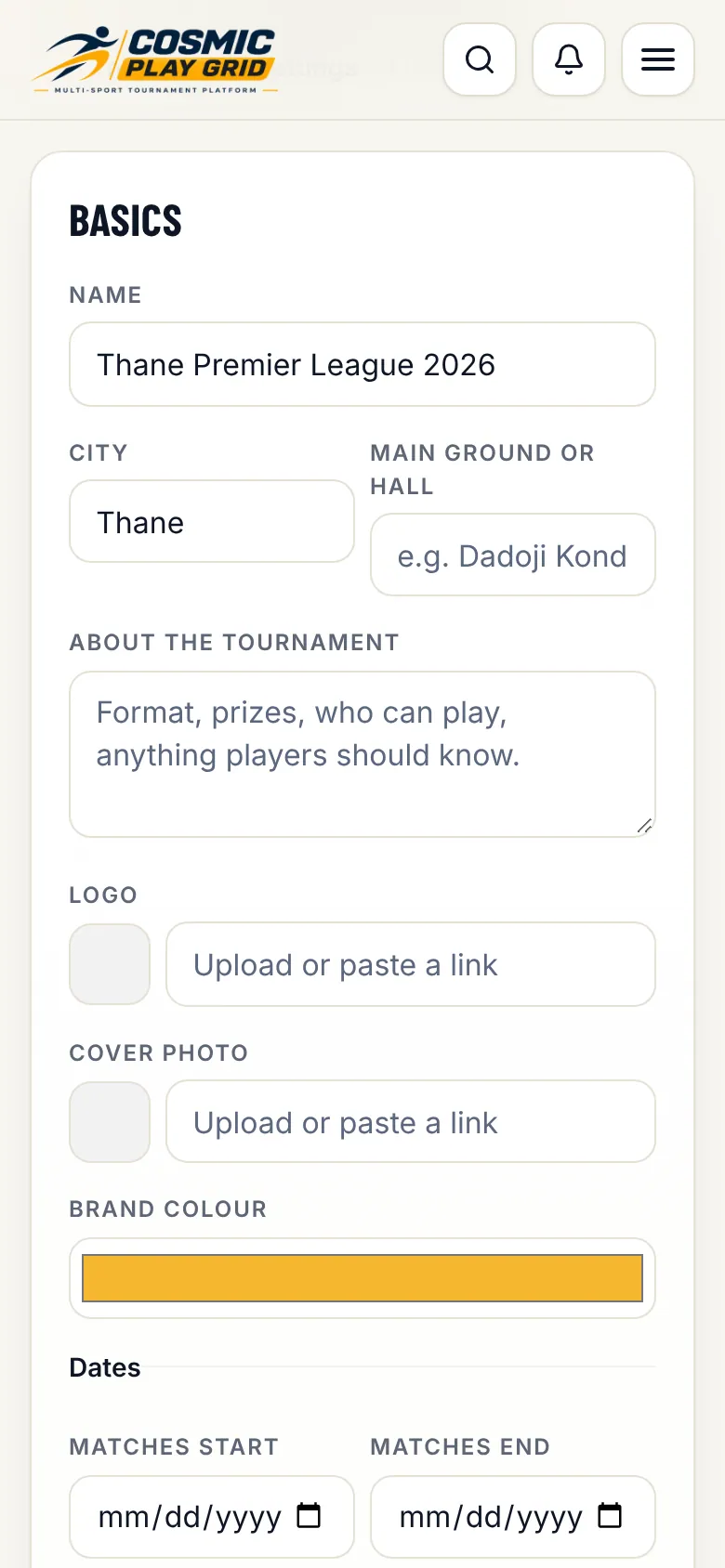
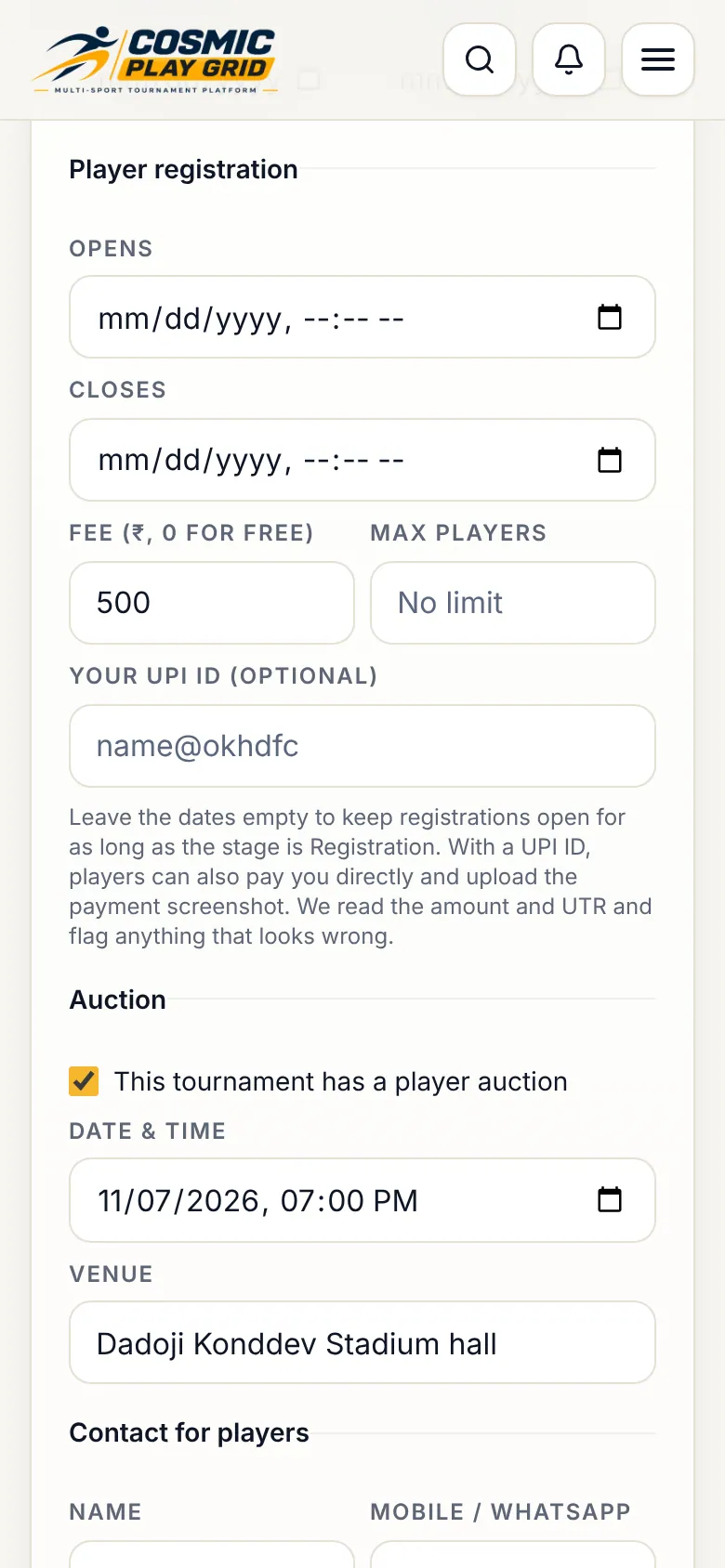
Name, dates, venue, logo, registration window, fee and limits.
Smart setup holds the format, squad sizes, auction purse, bid steps and timer. Playing rules is your public rulebook: players can read it on the tournament page.
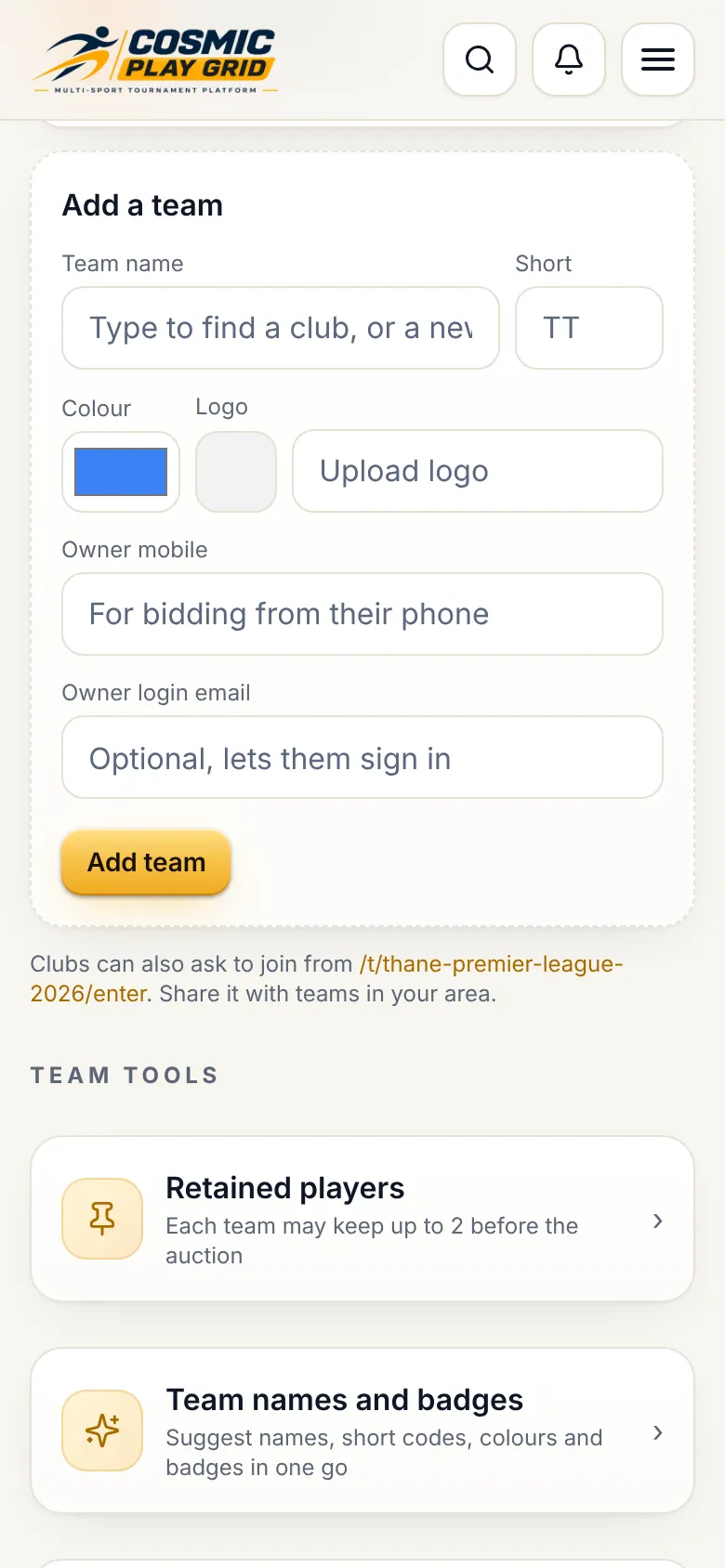
Team names, colours, logos and each owner's mobile for their private bidding paddle.
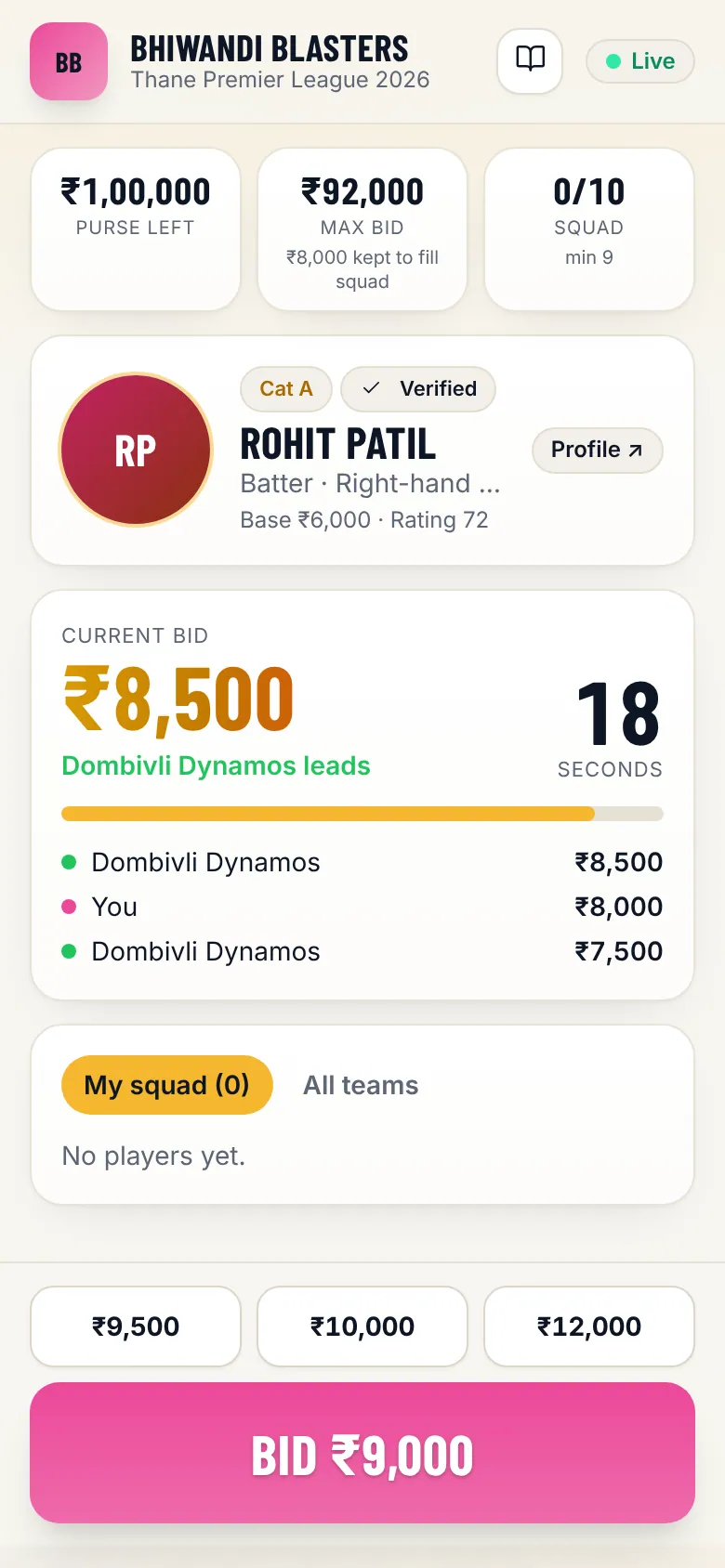
Each owner gets an owner hub with a bidding paddle, squad and trade requests. On Overview, open Team owner bidding paddles and tap Send to owner: WhatsApp opens with the link ready.
Tip. Each link is private to one team. Send each owner only their own.
If your rules allow retentions, pick retained players before the auction: the price comes off the team's purse. After the auction you can open a trade window and approve trades.
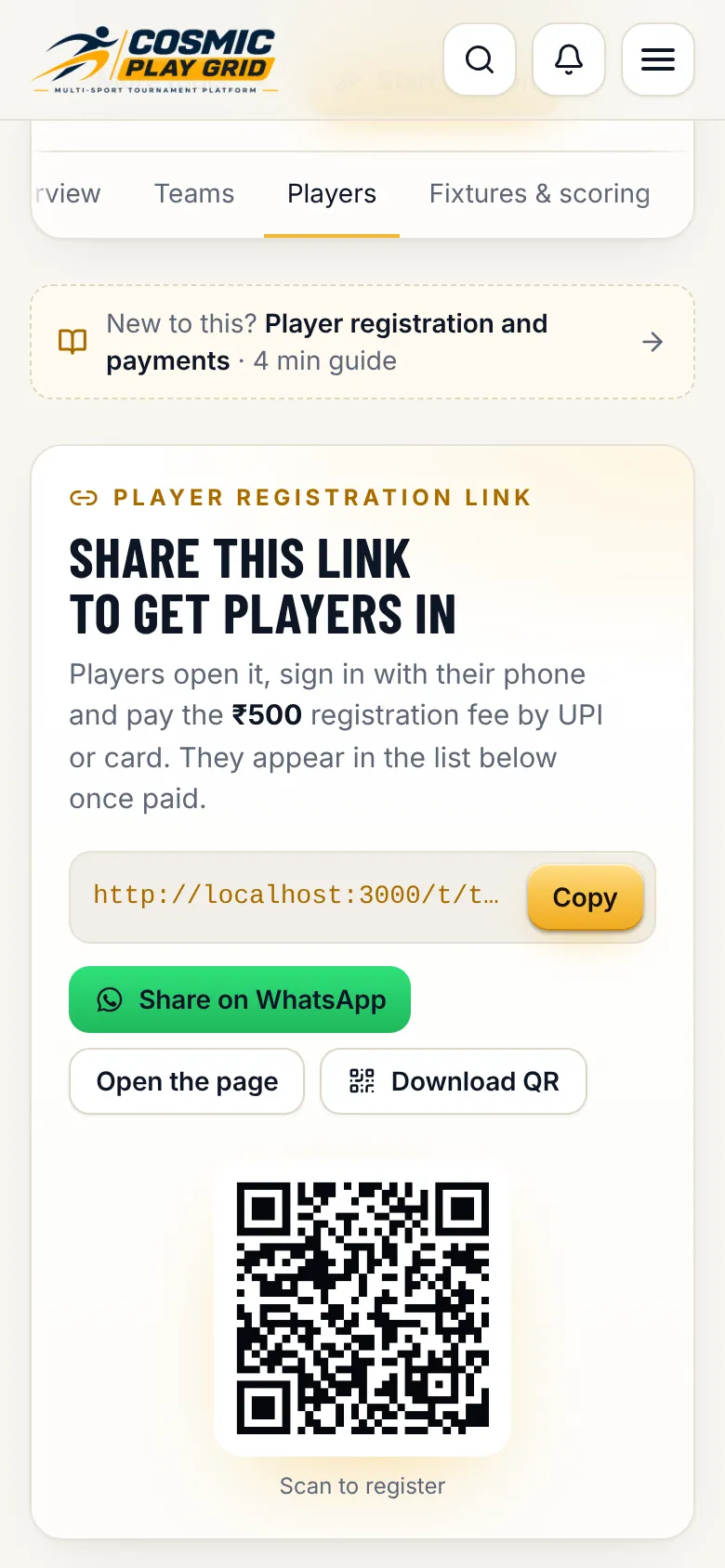
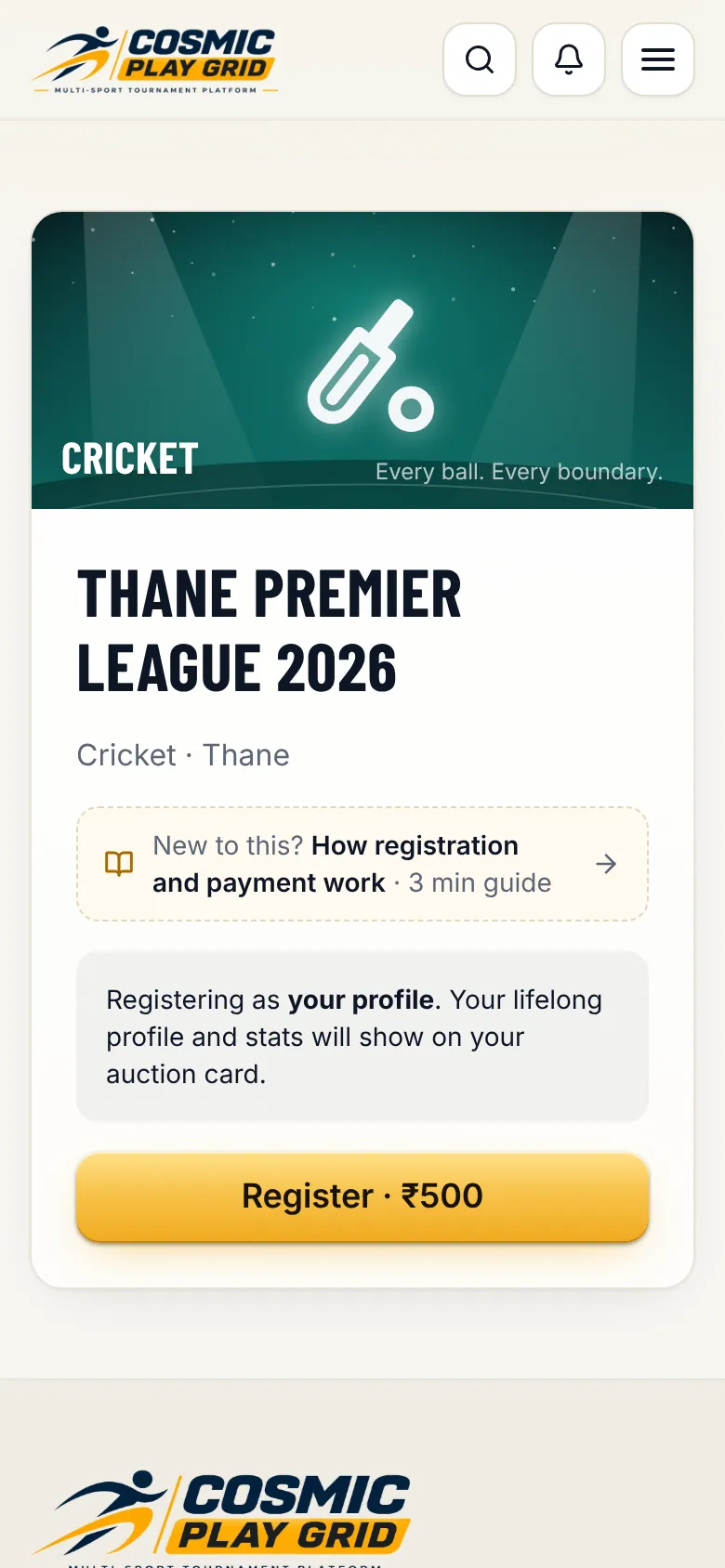
Share one link. Players sign up and pay, and appear in your list.
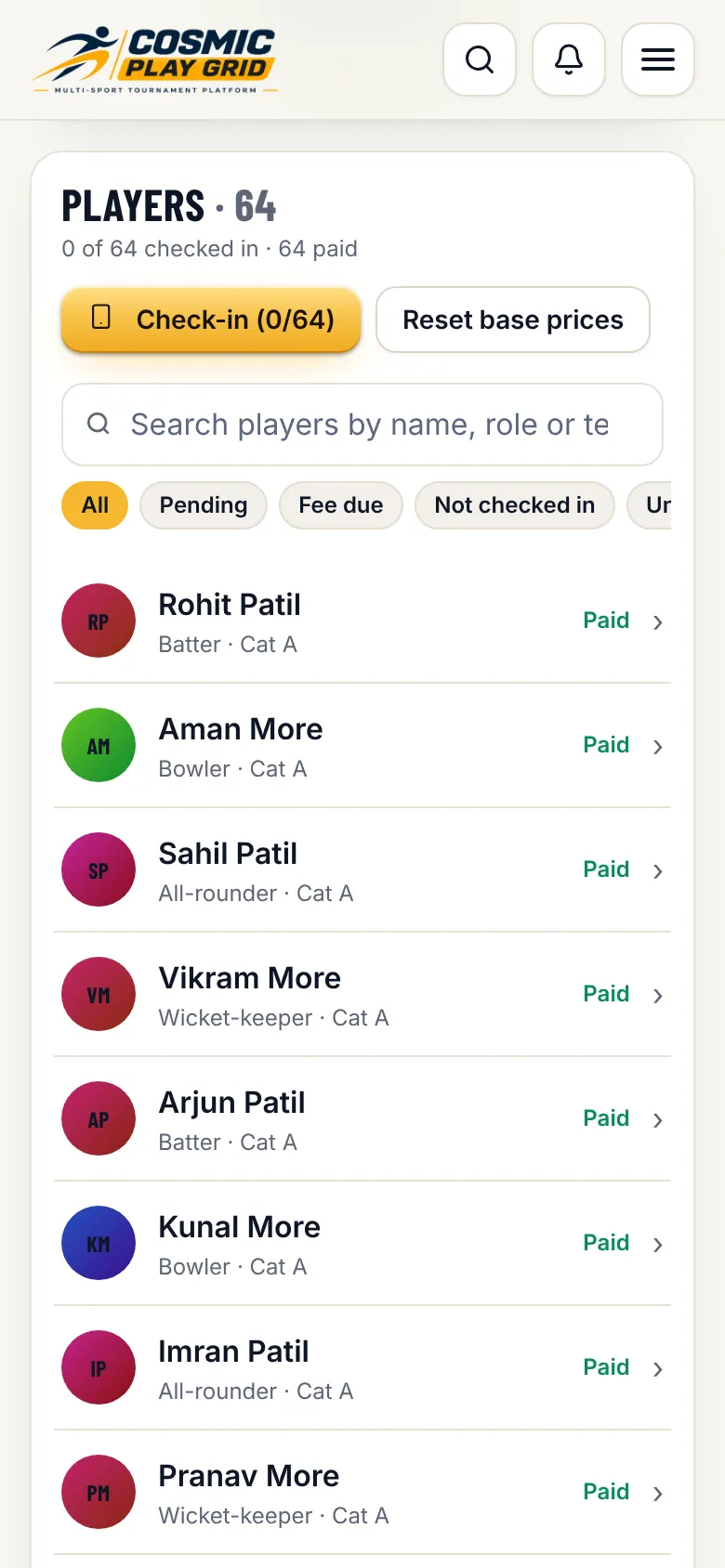
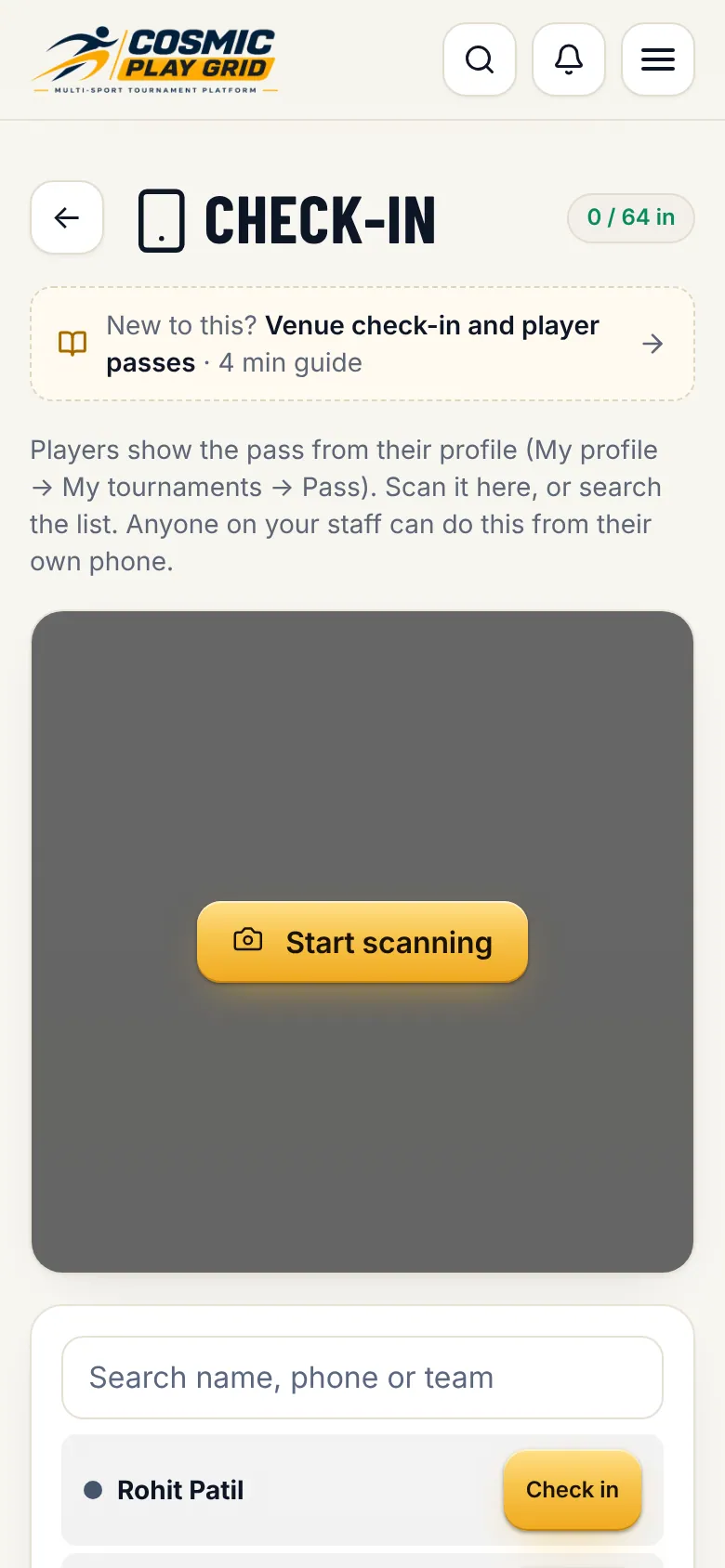
Every registration appears in the players list with its payment status, category, base price and team. Filter by pending, fee due or not checked in. Players who paid by UPI screenshot are checked automatically and flagged if something looks wrong.
Already have a list? Use bulk import to paste from Excel or a Google Form. Players get profiles and can claim them with their mobile number.
Rehearse, open the projector, call players, take bids and sell.
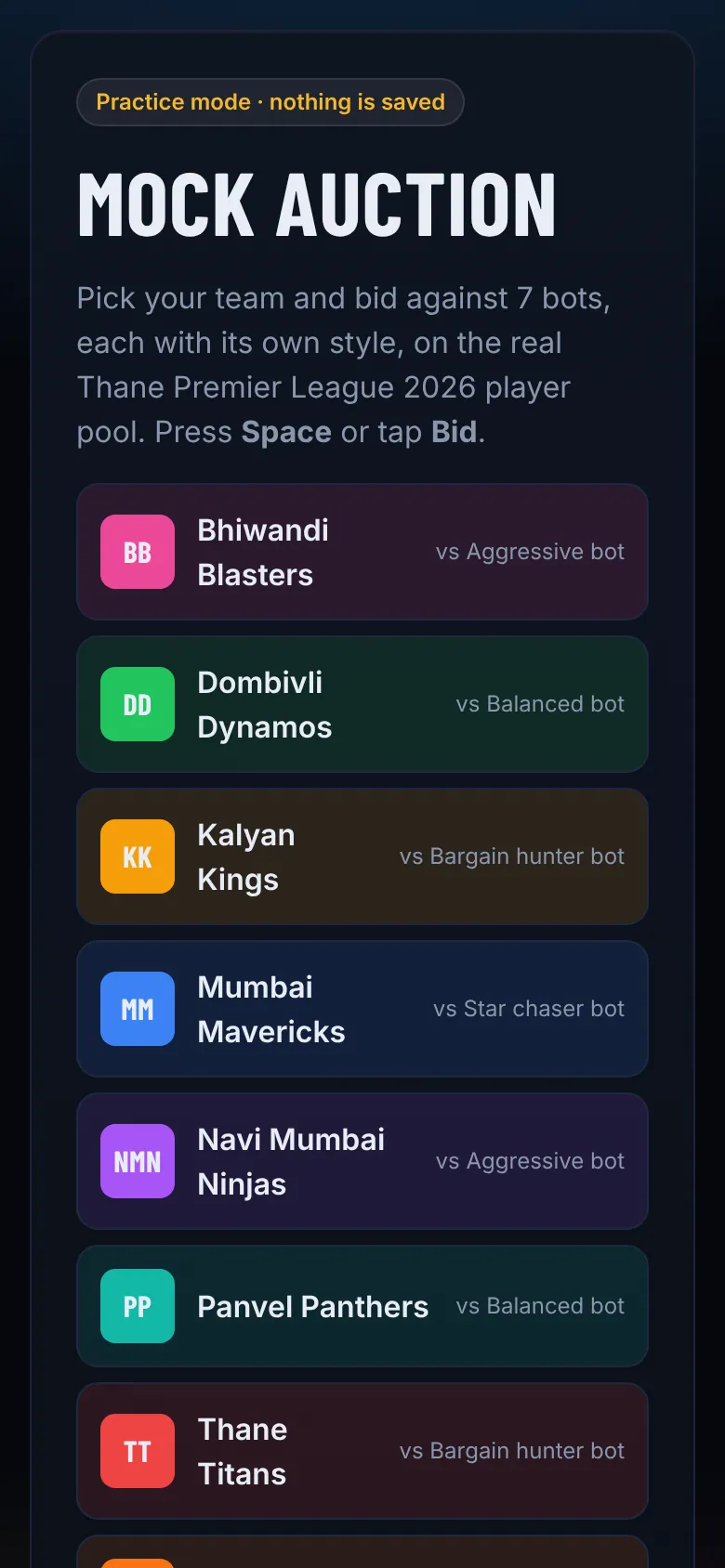
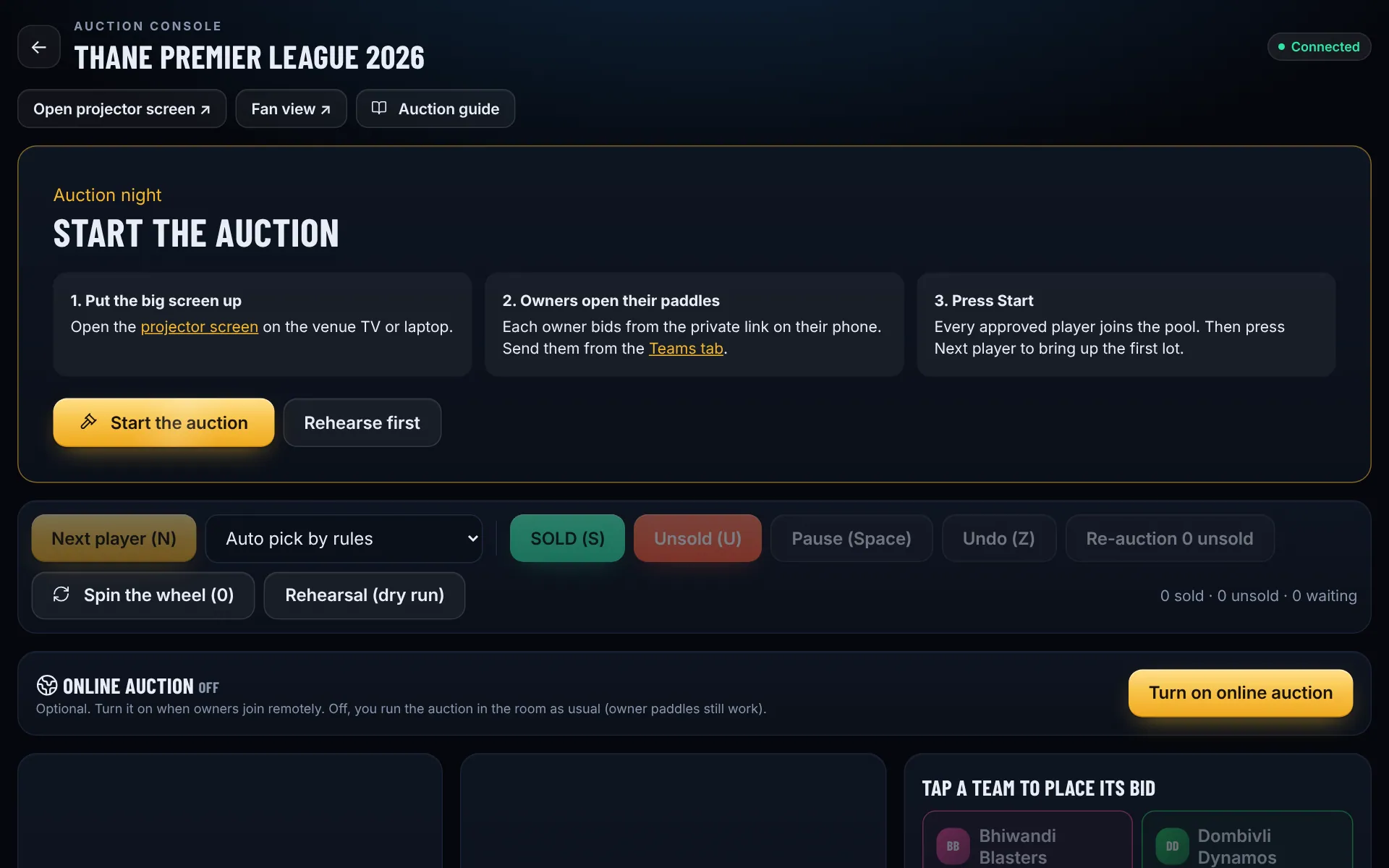
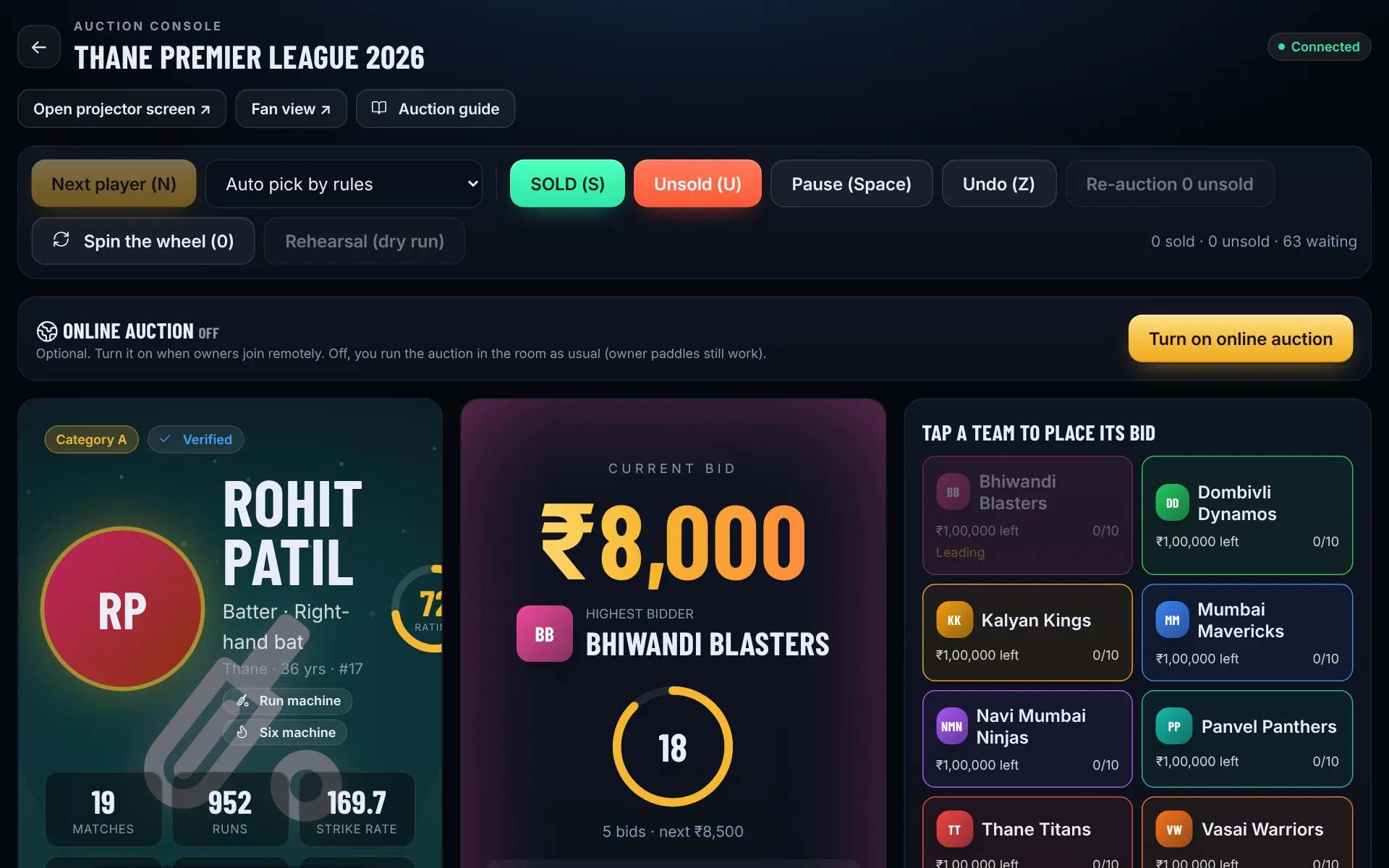
In the control room tap Start auction, ideally on a laptop. The console walks you through auction night: put the big screen up, send owners their paddles, then tap Start the auction to load every approved player. Use Rehearse first the day before so owners can practise: everything resets afterwards.
Tap Open projector screen and drag that window to the venue TV or projector, then press F11 for full screen. It shows the player, the live bid, the leading team and the timer.
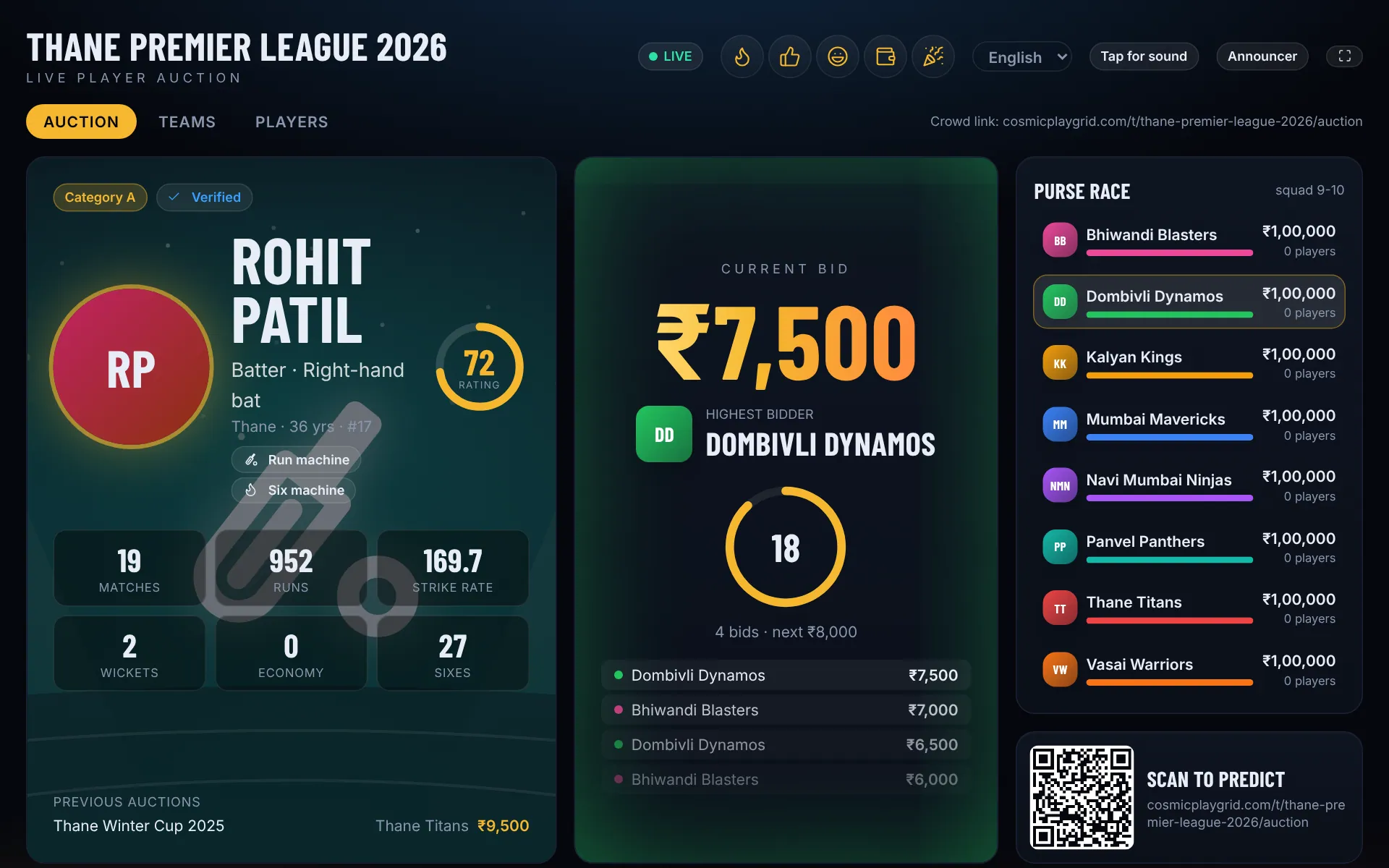
Tap Next player (or press N). Owners bid from their phones. You can also bid for a team from the console when an owner bids by hand in the hall. The purse guard blocks bids a team cannot afford.
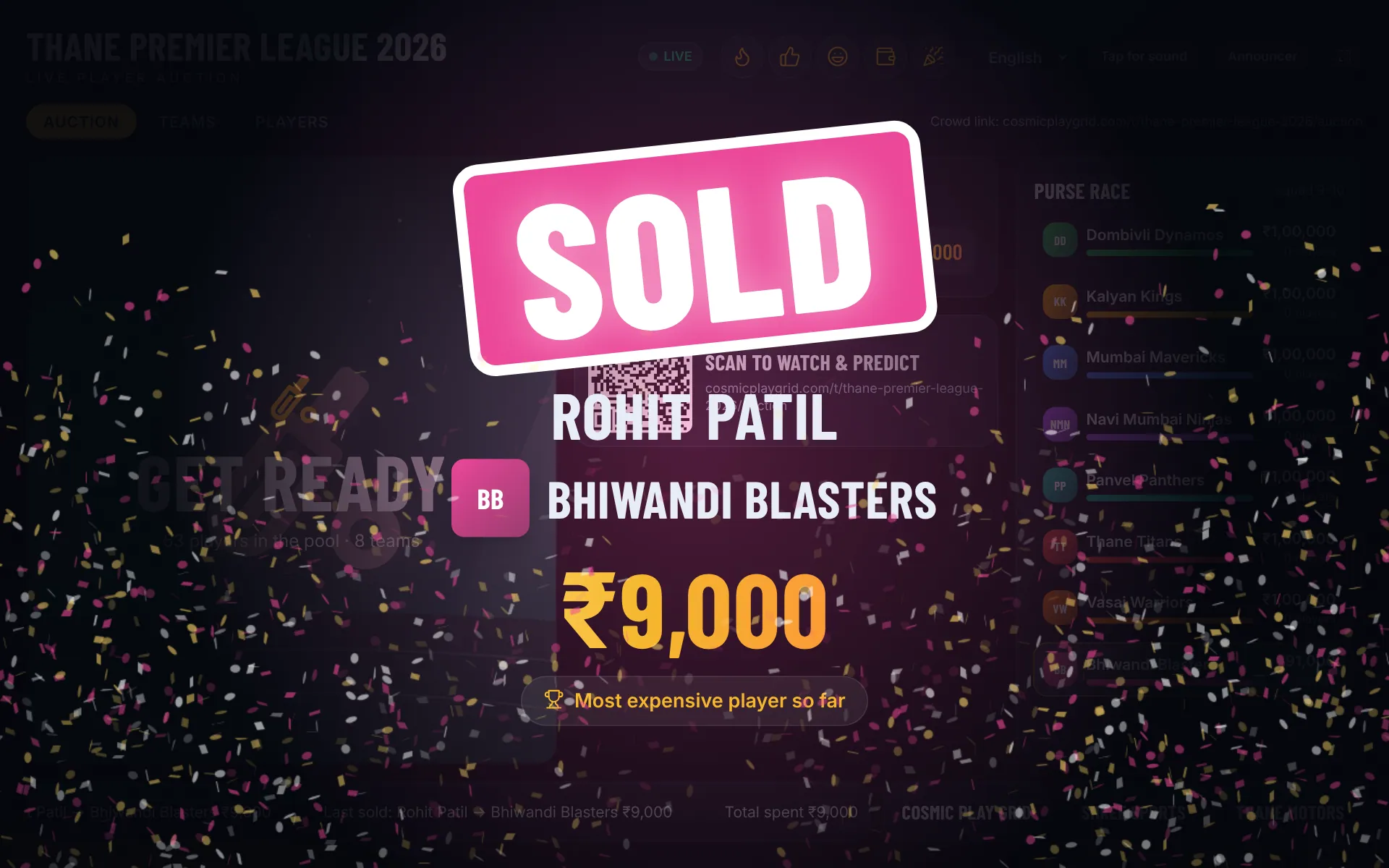
When the timer runs out the player is sold to the highest bidder, or tap SOLD yourself. The projector celebrates in team colours and a SOLD poster is ready to share.
After the pool runs out, Re-auction unsold players at a reduced base price, or Spin the wheel to place them. The squad sheet and auction results are under Links, Documents.
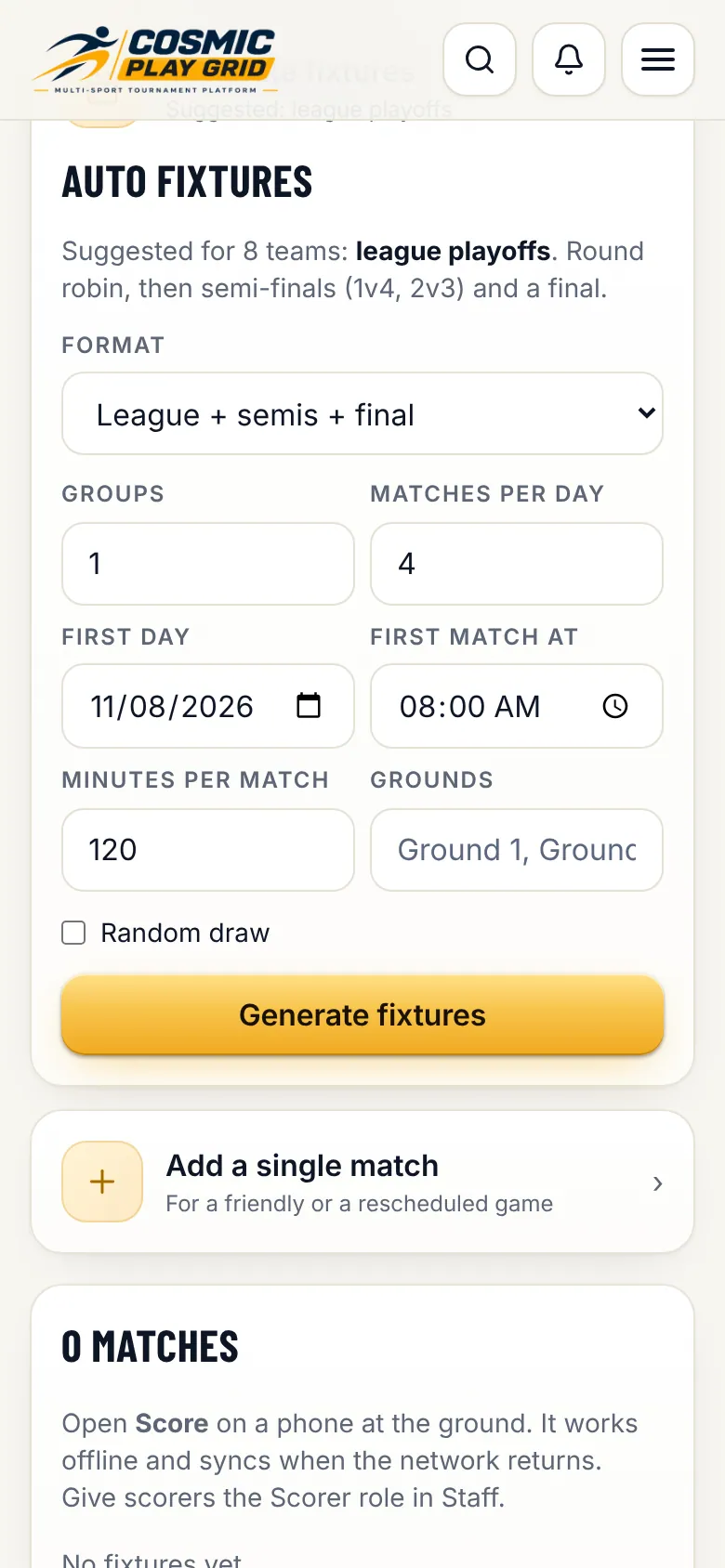
League, groups or knockout in one click. The points table updates itself.
Add a single match by hand for friendlies or reschedules. Change grounds and times in the match list.
Points, net run rate (cricket) or goal difference update after every result, on your control room and the public tournament page.
Score from a phone. Fans see every ball instantly.
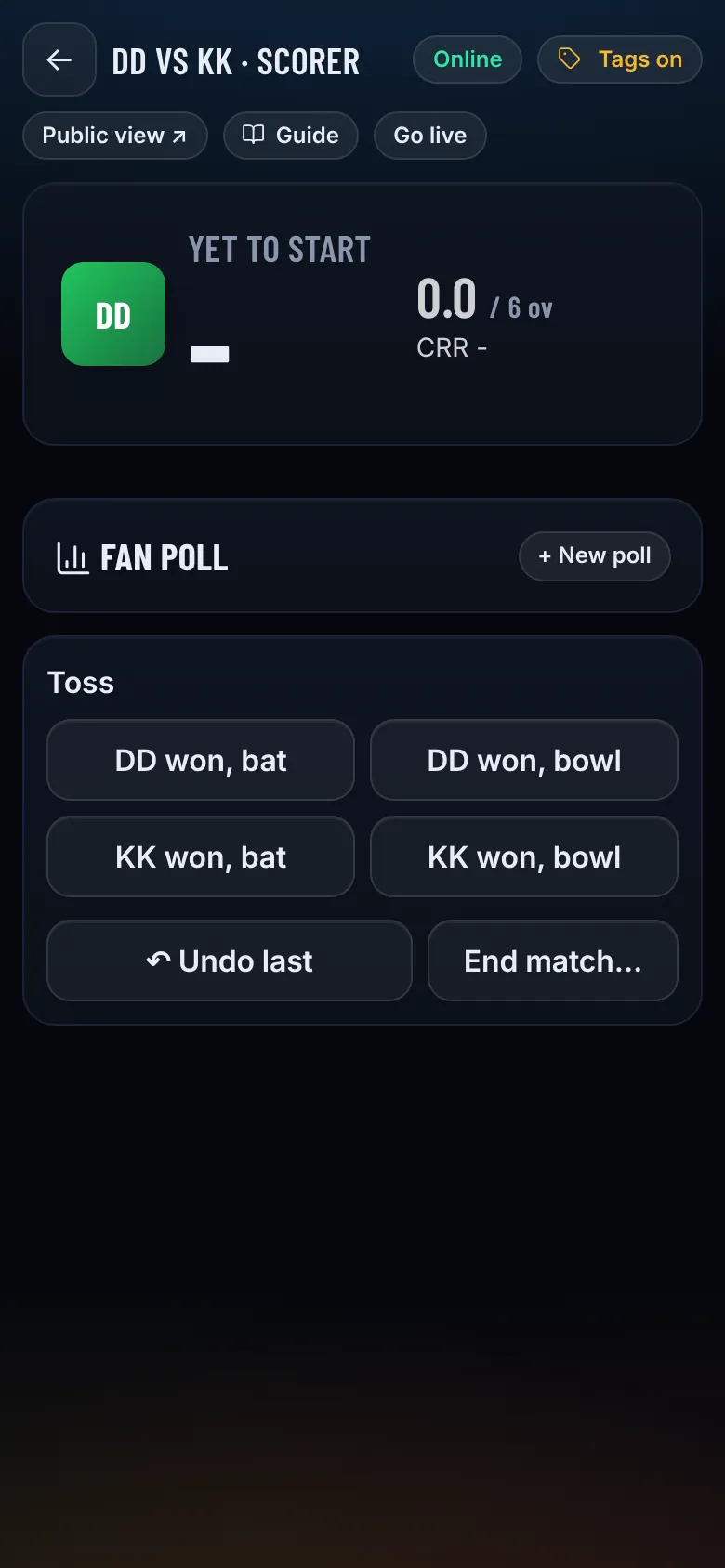
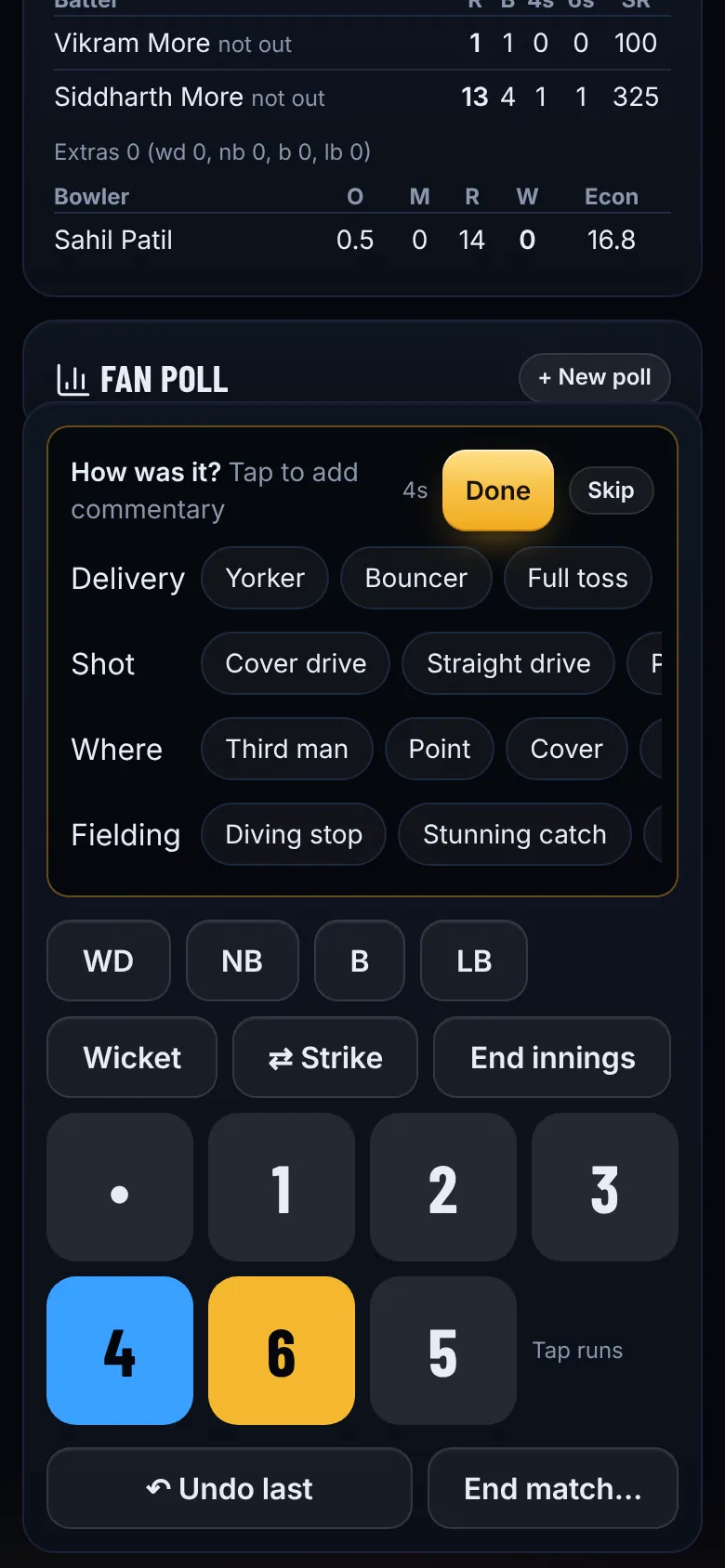
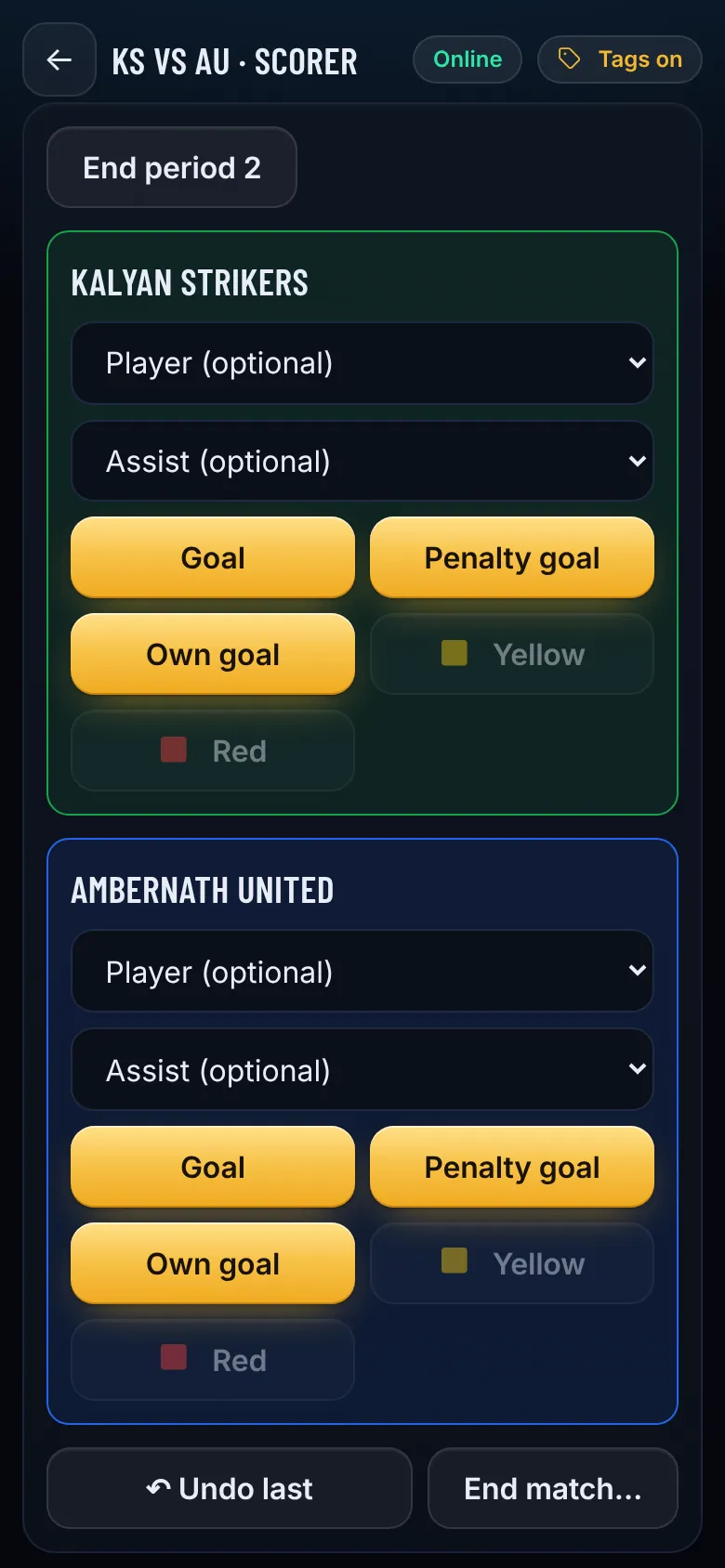
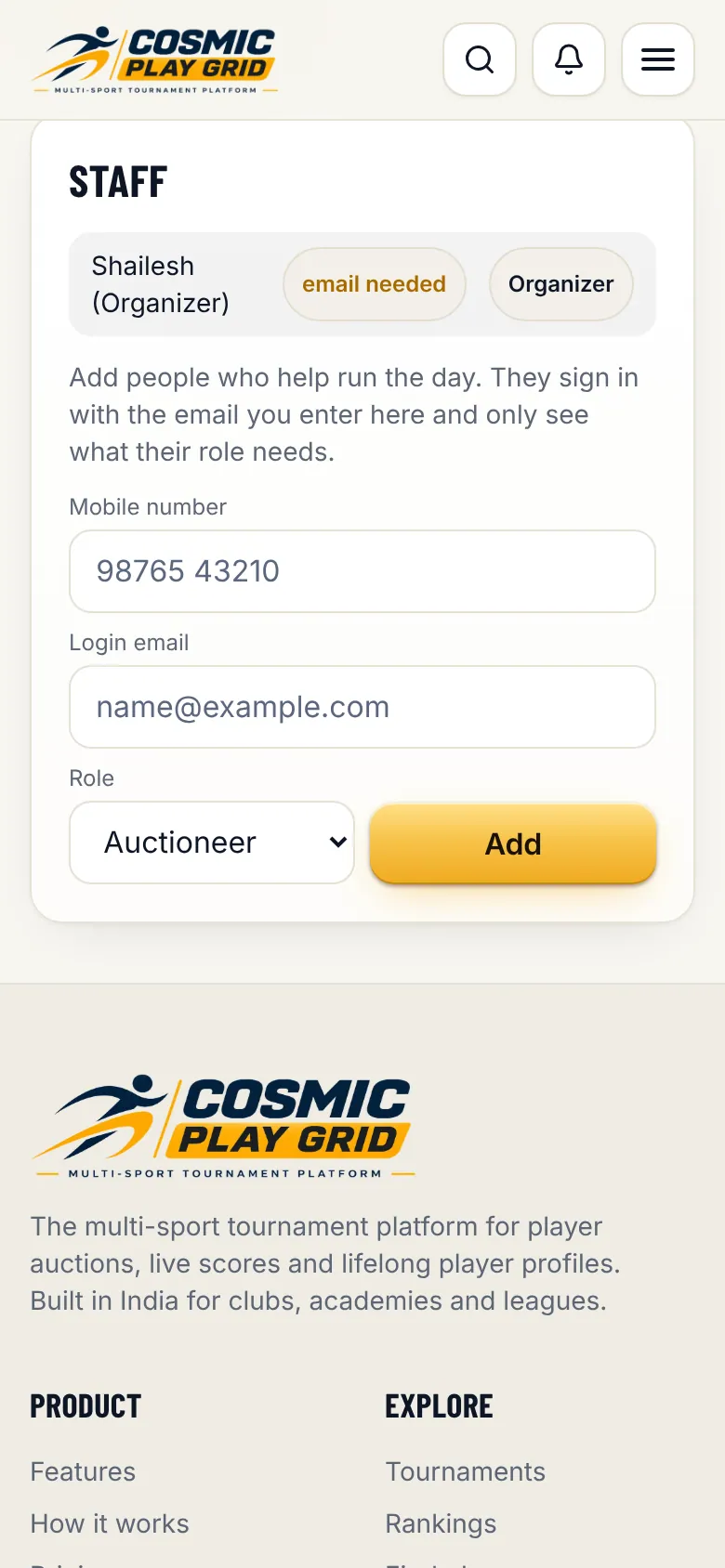
In Fixtures & scoring tap Score next to a match. Give the scorer's mobile number a Scorer role under Staff so they can score from their own phone.
Tip. Scoring works offline. If the signal drops, keep scoring: everything syncs when the phone is back online.
Tap End match when it is over. The result, points table, player stats, ratings and a shareable result poster all update straight away.
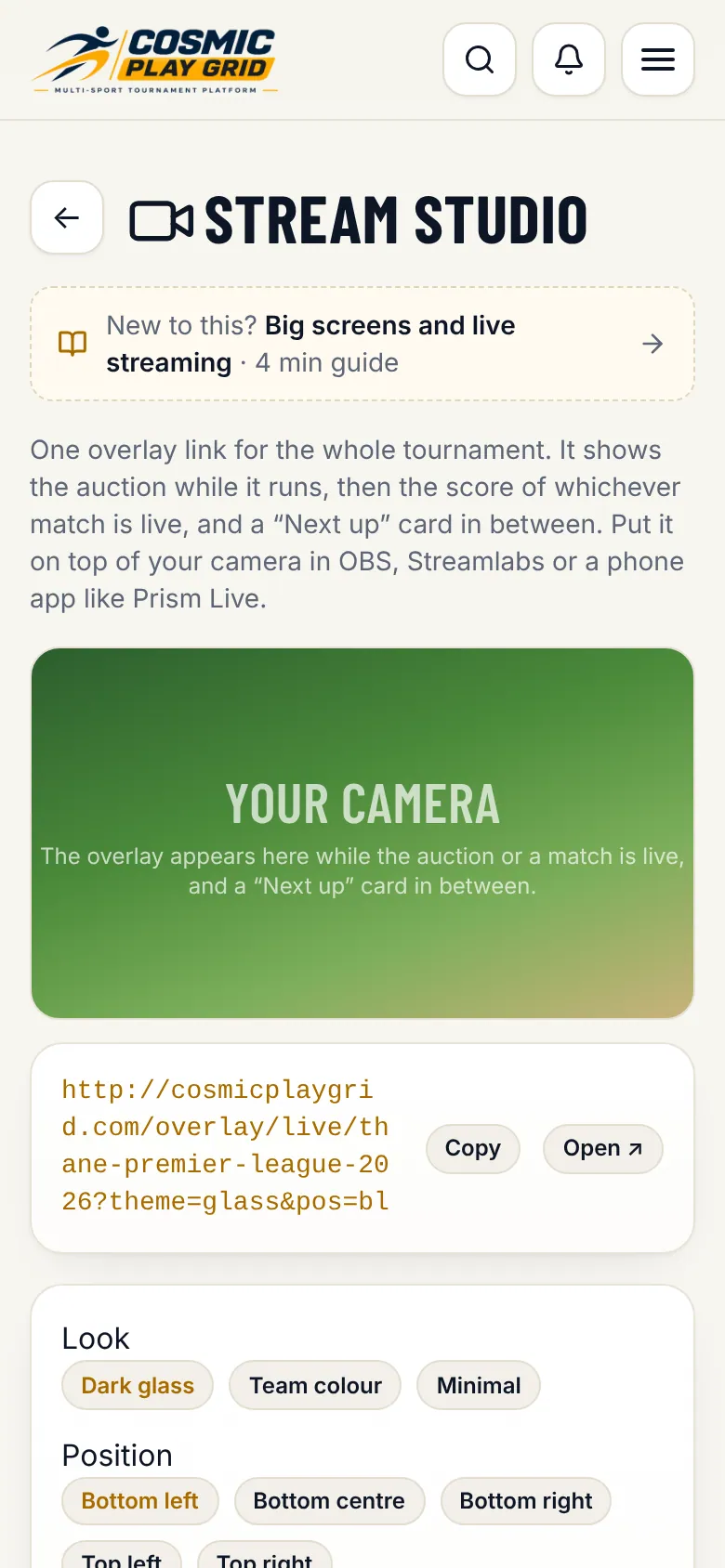
Stream overlay for OBS, ground LED scoreboard and phone live streaming to YouTube.
In OBS, Streamlabs or Prism Live add a Browser source and paste the overlay link. Set it to 1920 x 1080. It sits on top of your camera with a transparent background.
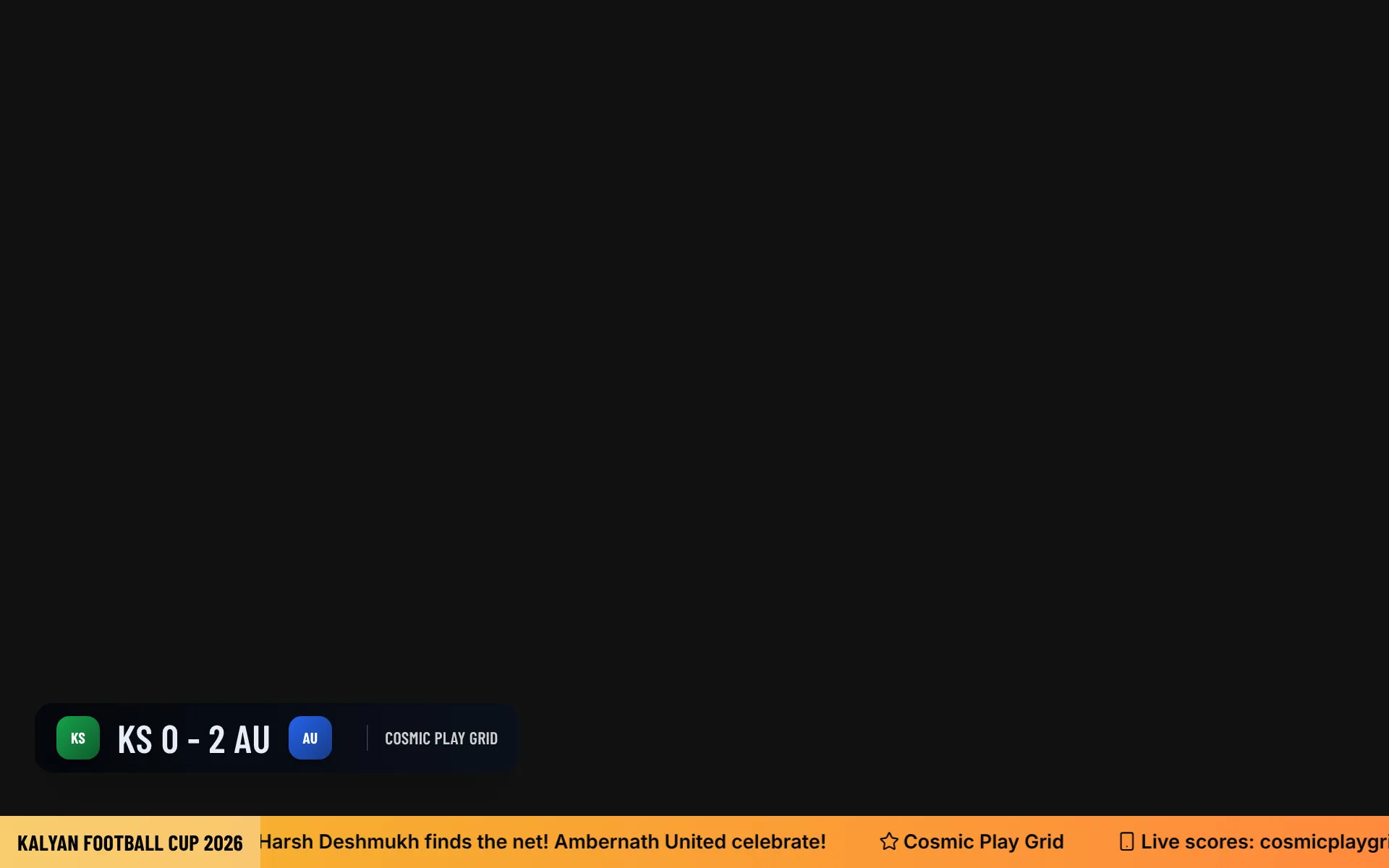
Open the LED scoreboard link on the screen at the ground. It follows whichever match is live.
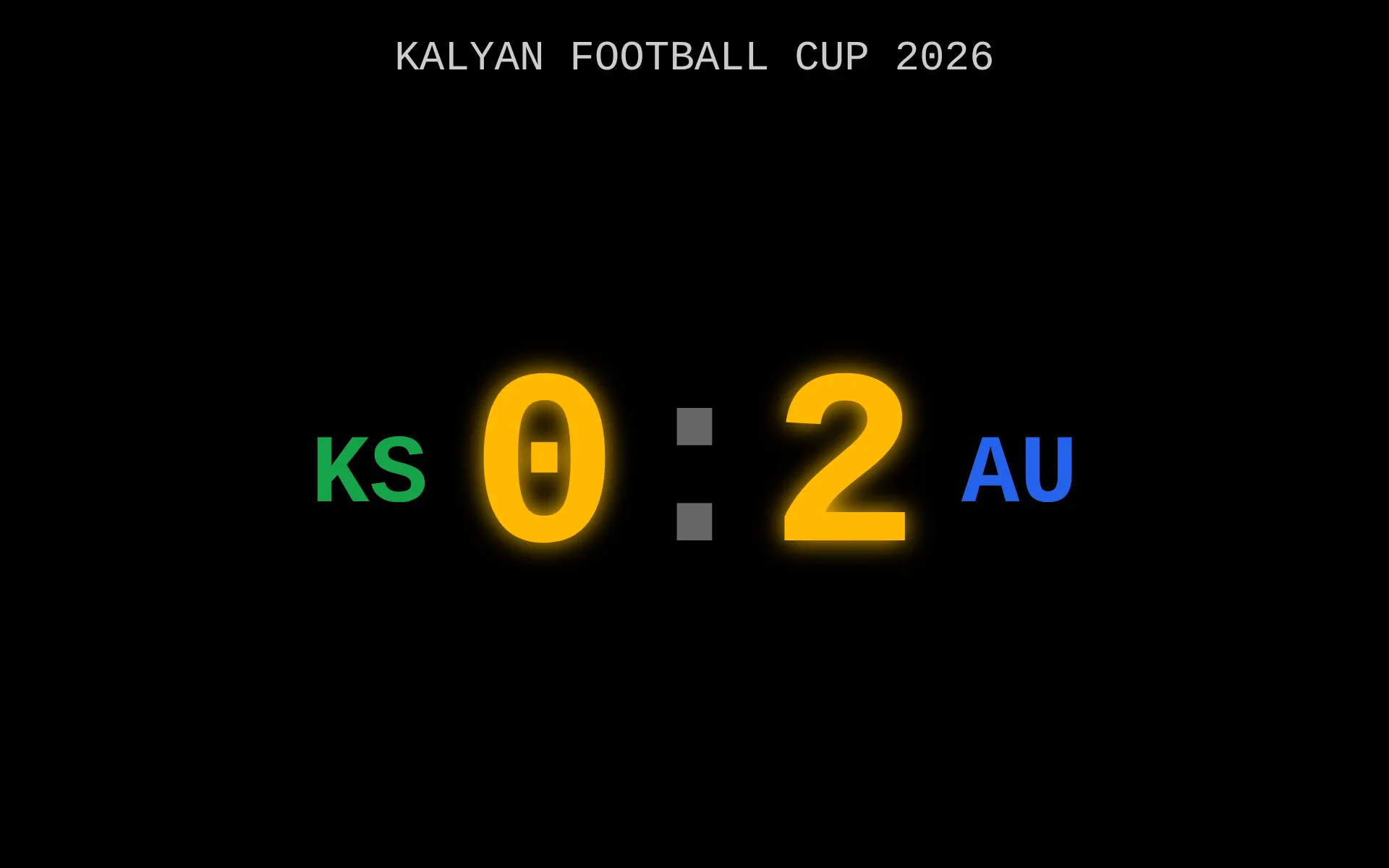
From the scorer tap Go live to stream to YouTube straight from the phone, with the scoreboard on the video and automatic clips of sixes, wickets and goals. Included with Pro and Premier, or with a stream pass.
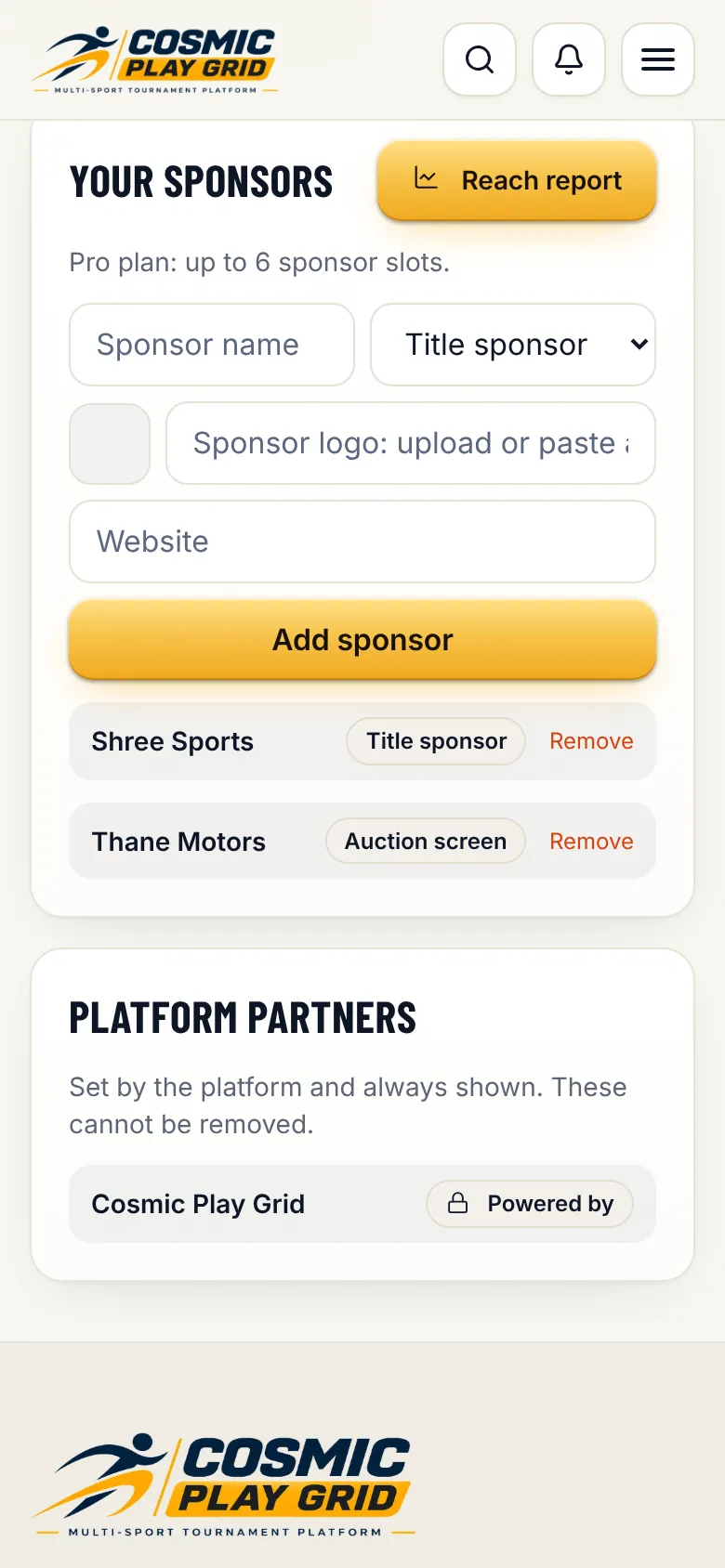
Sponsor logos rotate on the scoreboard, overlay and posters. Show them their reach.
The reach report counts how often each sponsor was seen and clicked. Print it or send it to your sponsors after the tournament.
Add co-organizers, scorers and umpires. Track money. Close the season with awards.
More tools, Accounts shows fees collected, refunds and expenses. Export everything to Excel for your records.
Move the stage to Completed. Season awards, final standings, the squad sheet and result posters stay on your public page for players to share.
© 2026 The Cosmic Creator Co. · Cosmic Play Grid · cosmicplaygrid.com/guide